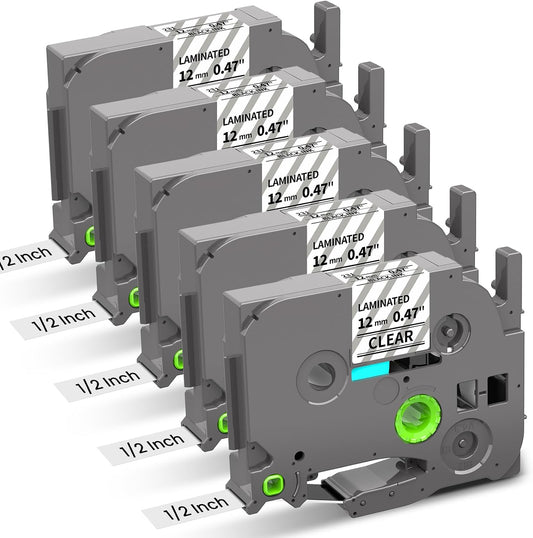
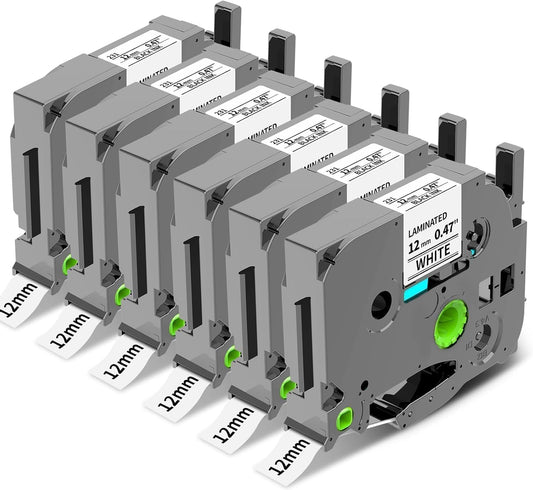
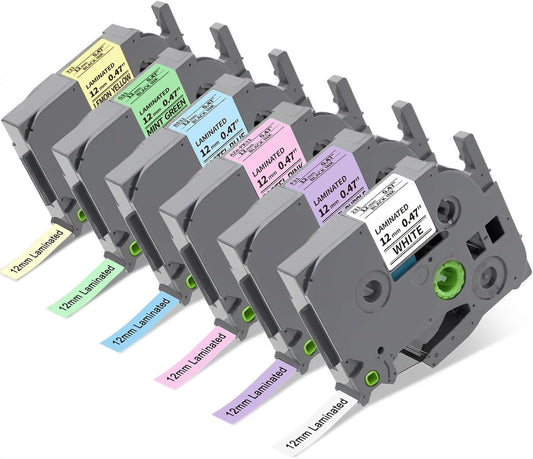
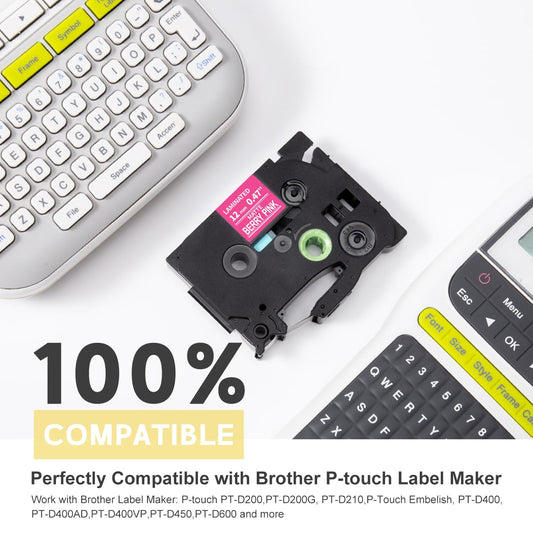
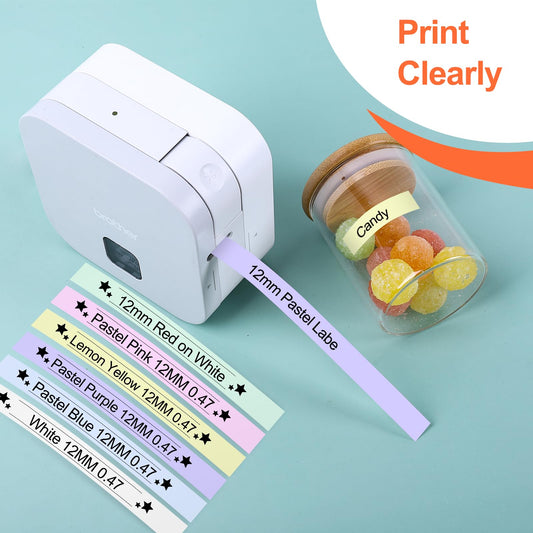
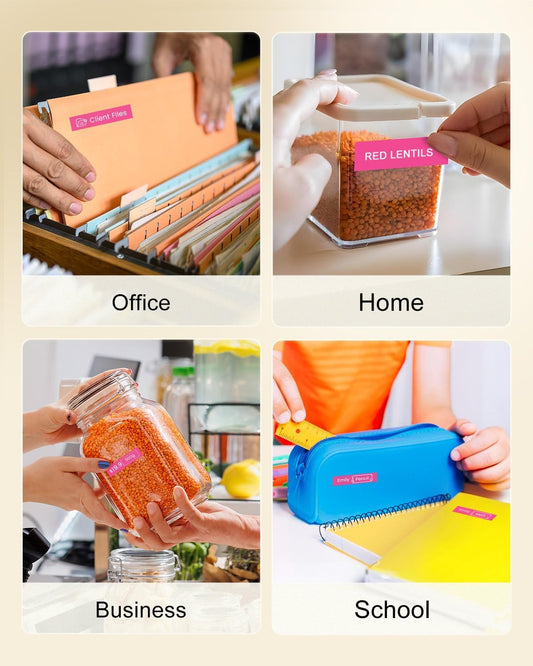
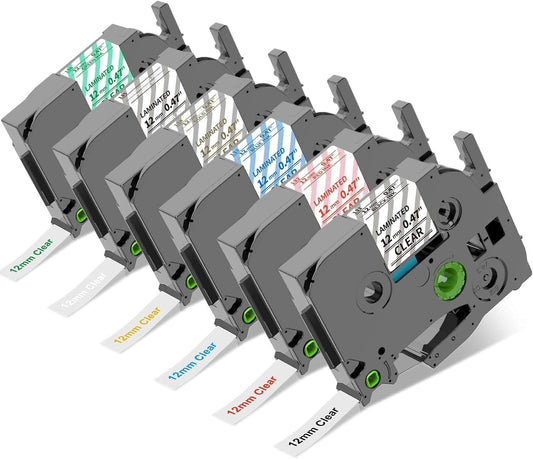
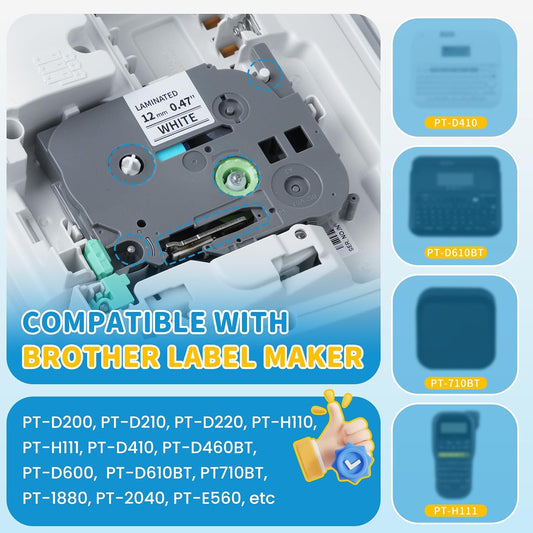
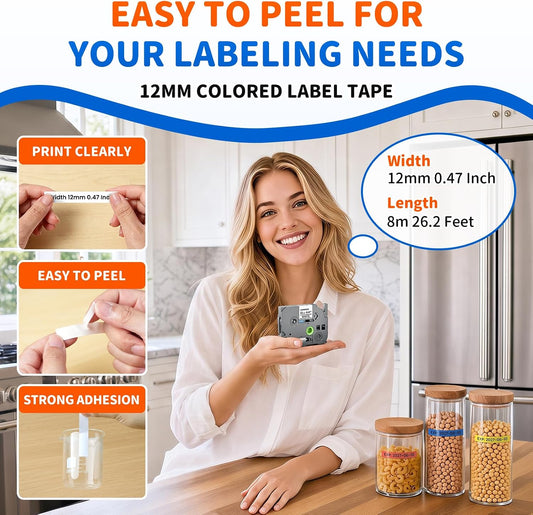
The portable Brother PT-H110 is ideal for everyday lightweight labeling. Our collection includes the exact widths and aesthetic finishes you need:
Supported Widths
Includes 3.5mm (0.13"), 6mm (1/4"), 9mm (3/8"), and 12mm (1/2") standard tape cartridges optimized for the H110 model.
Colors & Finishes
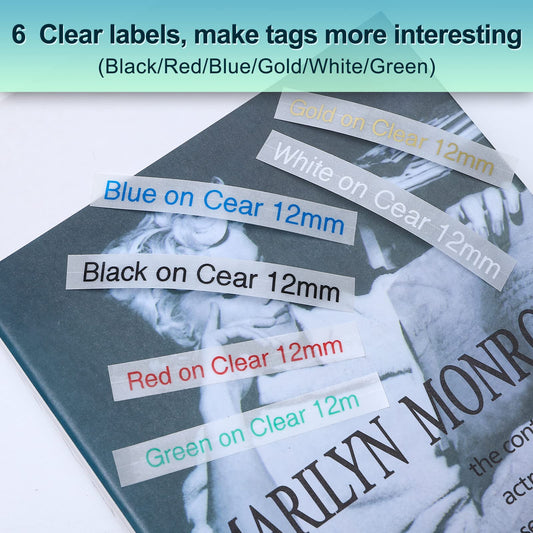
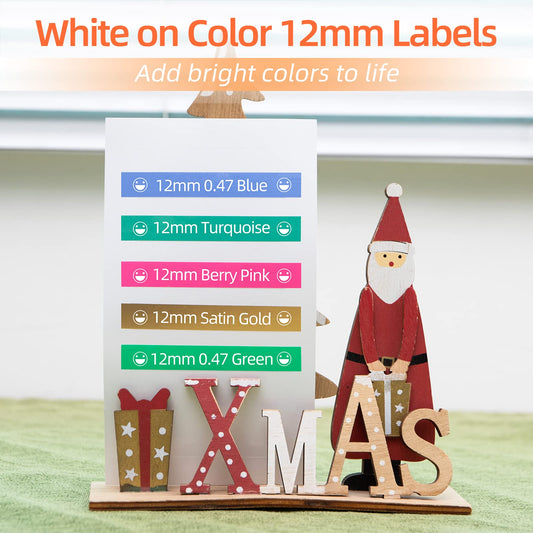
Classic high-contrast black on white (TZe-231平替), crisp black on clear (TZe-131平替), satin gold, and vibrant colors like pink label tape for aesthetic sorting.
Frequently Asked Questions (FAQ)
Q: Are Colorty tapes fully compatible with the Brother PT-H110?
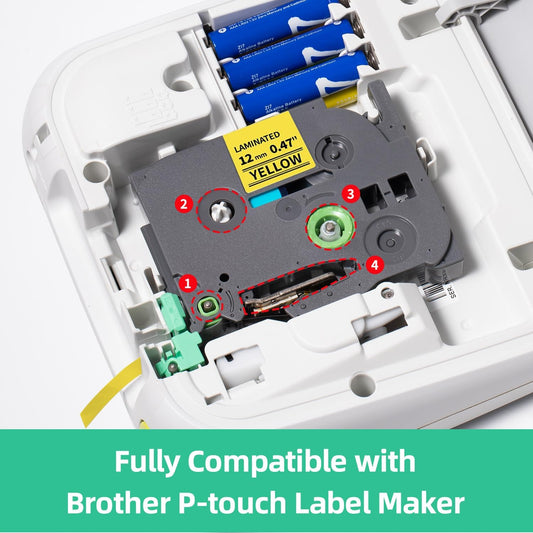
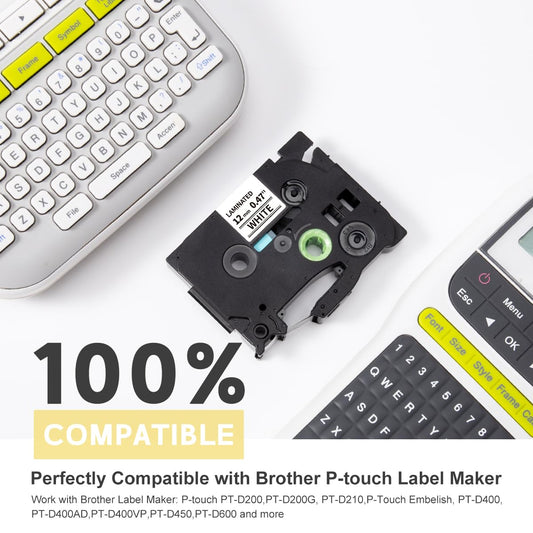
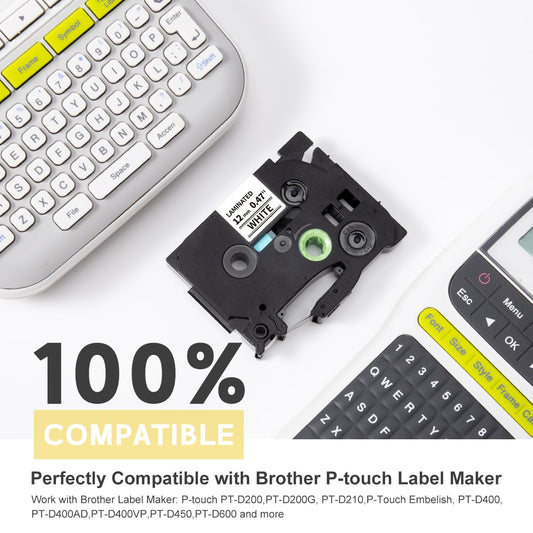
Yes! Our premium TZe replacement cartridges (such as 12mm TZe-231 black on white and TZe-131 black on clear) are precision-engineered to fit the Brother PT-H110 handheld label maker perfectly, ensuring smooth feeding and crisp thermal text without jam errors.
Q: Can I use Brother M-K Tapes or BTAG series in my Brother PT-H110?
No. The Brother P-touch PT-H110 exclusively supports laminated TZ and TZe tape structures. Non-laminated M-K series tapes (used in PT-M95) and BTAG series tape cartridges have entirely different physical slot designs and will not fit inside this machine.
Q: Do these replacement tapes peel off easily or leave sticky residue?
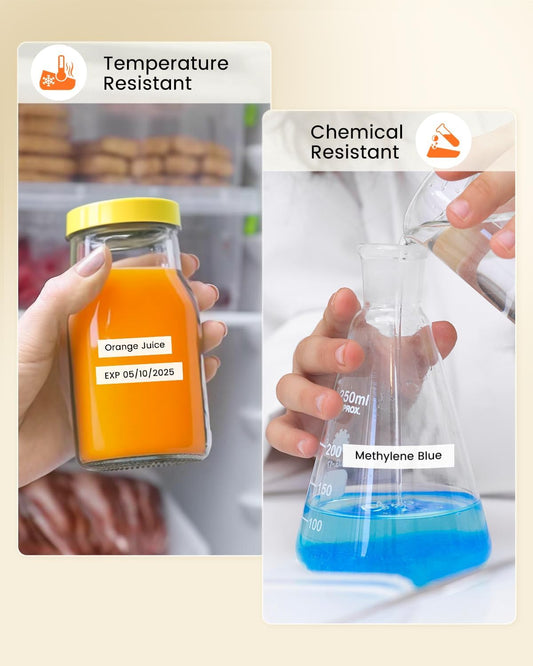
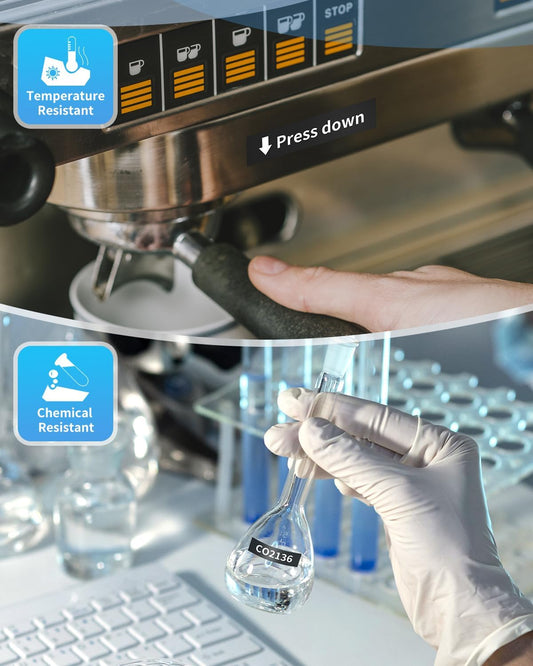
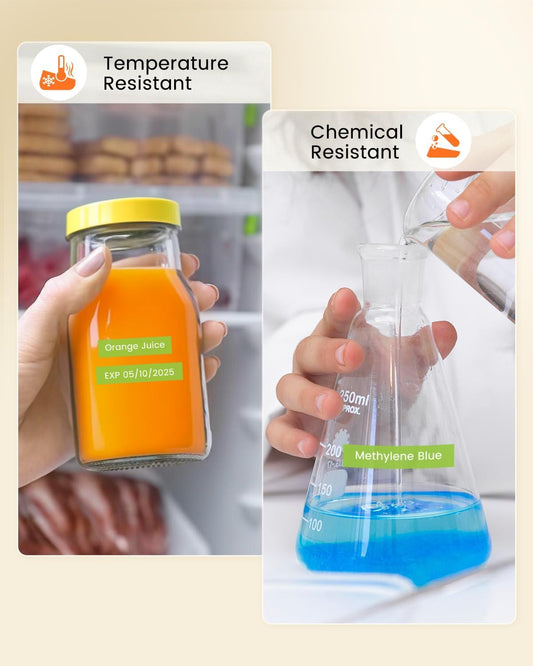
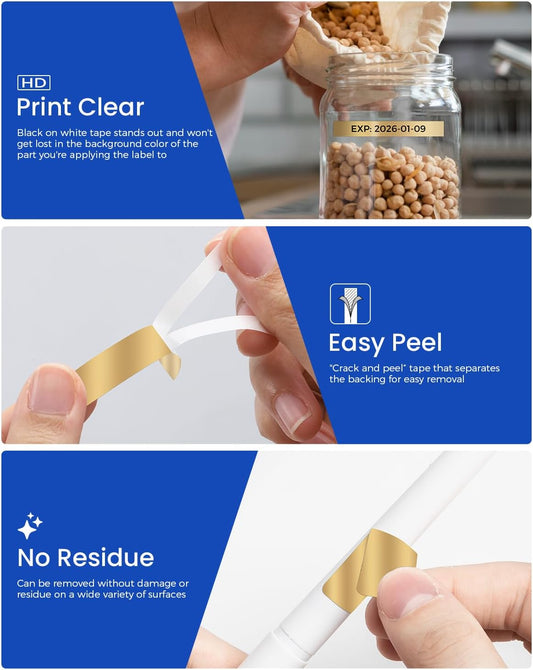
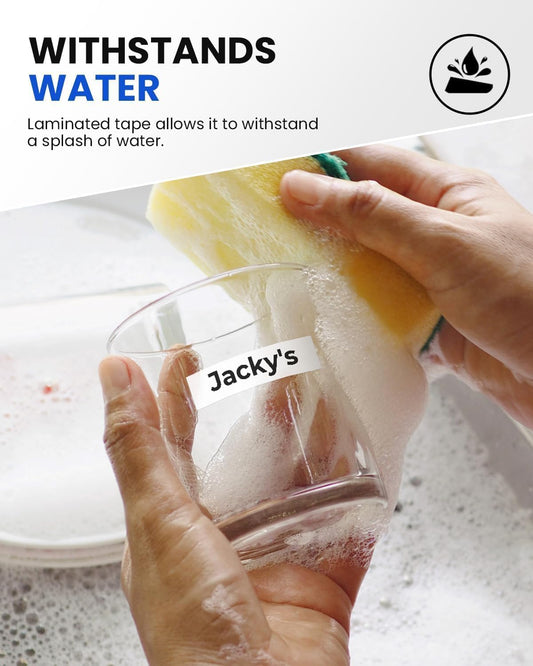
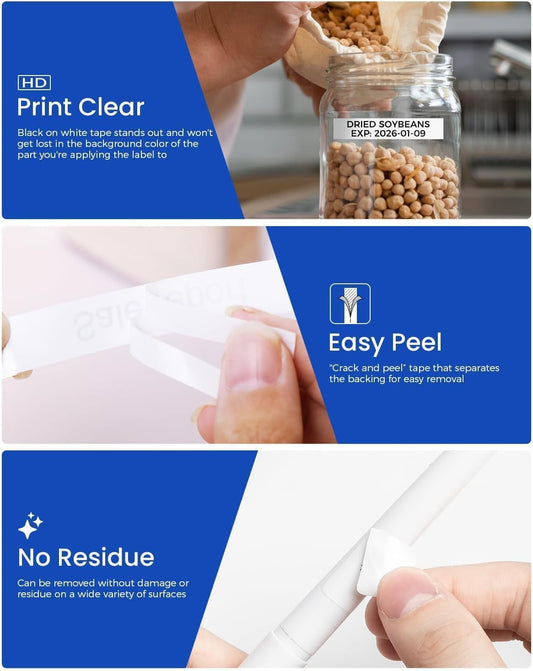
No. Colorty premium replacement tapes feature an easy-peel split backing for effortless application. While they utilize a strong permanent adhesive engineered to withstand water and scratches, they can be removed cleanly without leaving a messy sticky residue on your surfaces.
Q: What sizes and types of tape cassettes are compatible with the Brother PT-H110?
The Brother PT-H110 uses laminated TZe tape cassettes available in 4 different widths: 3.5mm (0.13”), 6mm (0.23”), 9mm (0.35”), and 12mm (0.47”). It is fully compatible with specialty tape variations including Extra Strength Adhesive, Flexible ID Cable Tape, Fabric Iron-On, and Acid-Free Tape.
Q: Does the Brother PT-H110 include a backlit display screen?
No, the 15-character x 1-line LCD graphical display screen is not backlit. It is designed to be easily viewed under normal home or room lighting environments, similar to a standard electronic calculator display.
Q: What are the power supply options for the Brother PT-H110?
The label maker is primarily powered by 6 AAA alkaline (LR03) or Ni-MH (HR03) batteries. Alternatively, it can be powered by an optional Brother AD-24ES AC power adapter. Both batteries and the AC adapter are sold separately from the main unit.
Q: How can I reduce or adjust tape margin waste on my P-touch PT-H110?
Due to the mechanical construction of the tape feed mechanism, a standard blank margin occurs prior to printing the first label to protect the blade alignment. However, you can significantly reduce ongoing tape waste by using the 'Chain Print' option under margin settings when printing multiple labels consecutively.
Q: How many font styles, frames, and symbols are built into the device?
The PT-H110 features 3 distinct text fonts, 14 decorative borders/frames, 10 pre-designed formatting templates, and over 250 built-in structural symbols to completely customize your label designs.
Q: How do I factory reset the internal memory of the Brother PT-H110?
To clear all saved label files and initialize the machine back to factory default configurations: first, turn off the unit. Hold down the 'Shift' and 'R' keys simultaneously, then press the 'Power' key to turn the machine back on. Release the keys once the screen initializes.