


COLORTY TZe-231 Compatible Pastel Color Label Tape 12mm 6 Pack, Replacement for Brother P-touch TZ-231 Laminated Tape for PT-D200 D210 D220 H110 P300BT Cube
COLORTY TZe-231 Compatible Pastel Color Label Tape 12mm 6 Pack, Replacement for Brother P-touch TZ-231 Laminated Tape for PT-D200 D210 D220 H110 P300BT Cube
Regular price
$20.99
Regular price
Sale price
$20.99
Unit price
per
Shipping calculated at checkout.
Couldn't load pickup availability
 Secure Checkout
- 60-Day Returns
- Free Shipping 2–6 business days

Shipping & Returns
Shipping & Returns
Free Standard Shipping
Enjoy free standard shipping on eligible U.S. orders.
Estimated Delivery
Most orders are delivered within 3-6 business days.
30-Day Returns
Eligible products can be returned within 30 days of delivery. Please see our Return Policy for details.
Support & After-Sales
Support & After-Sales
Customer Support
Our support team is available to assist with product questions, order issues, and compatibility inquiries.
After-Sales Support
If you experience an issue with your order or product, contact us with your order information and we'll help you resolve it.
Easy Communication
Contact us through our website or email for assistance.
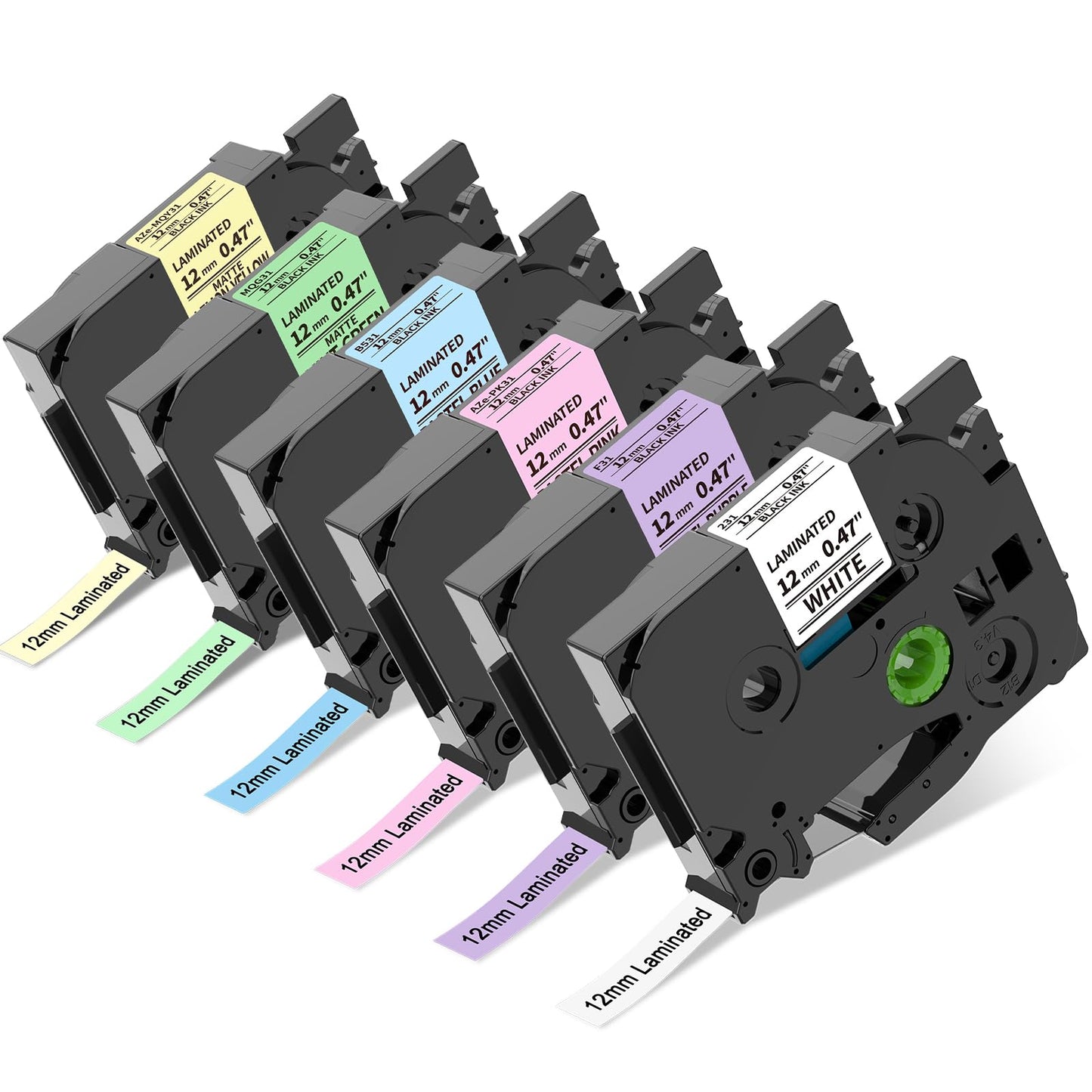
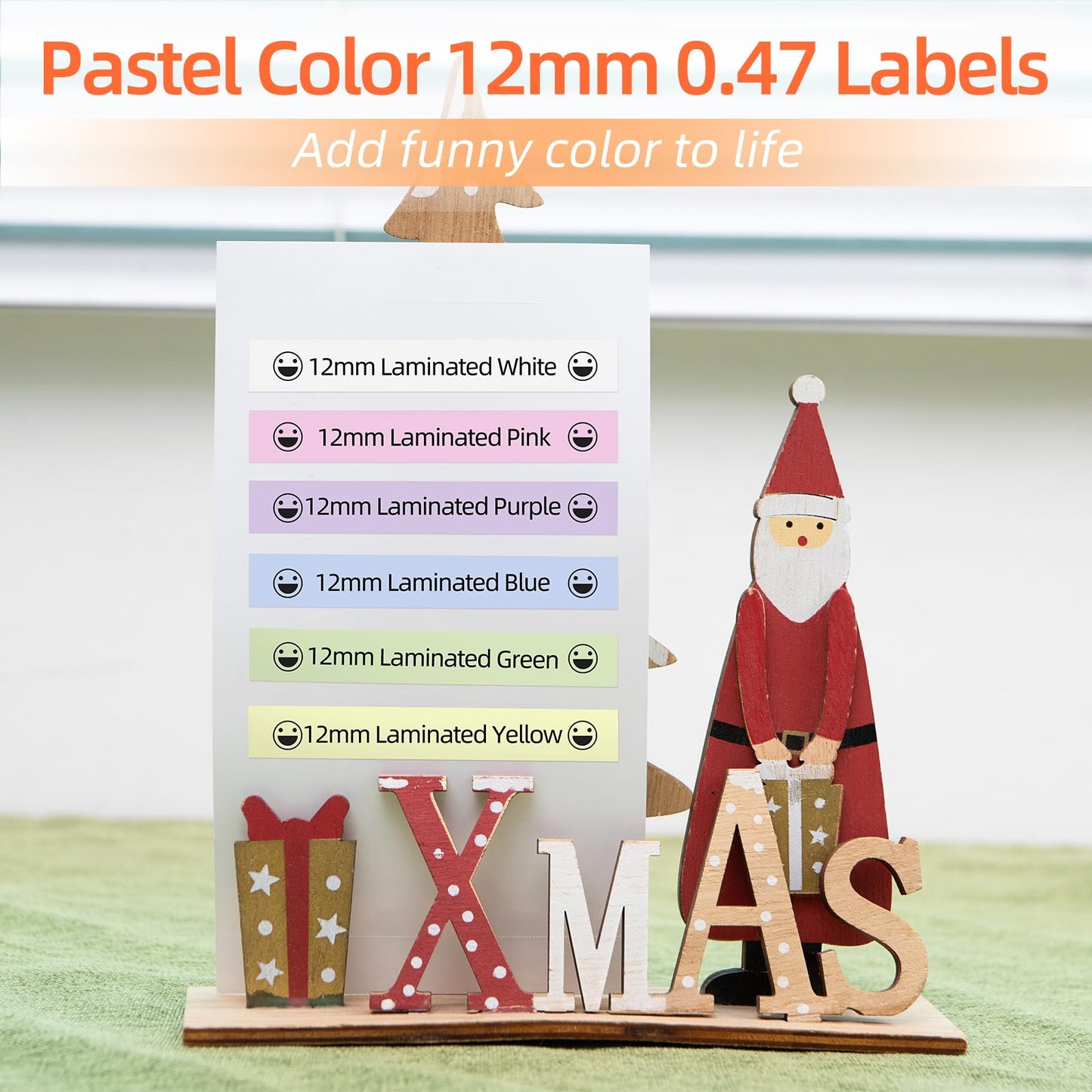
- [6 Pack Pastel Color Combo] Replacement for Brother P-touch TZe-231 Label Tape. Includes 6 assorted 12mm (0.47") laminated tape refills: TZe-231 Black on White, TZe-F31 Black on Pastel Purple, TZe-B531 Black on Pastel Blue, TZe-Y31 Black on Lemon Yellow, TZe-PK31 Black on Pastel Pink, and TZe-G31 Black on Mint Green. Perfect for color-coded labeling and organization.
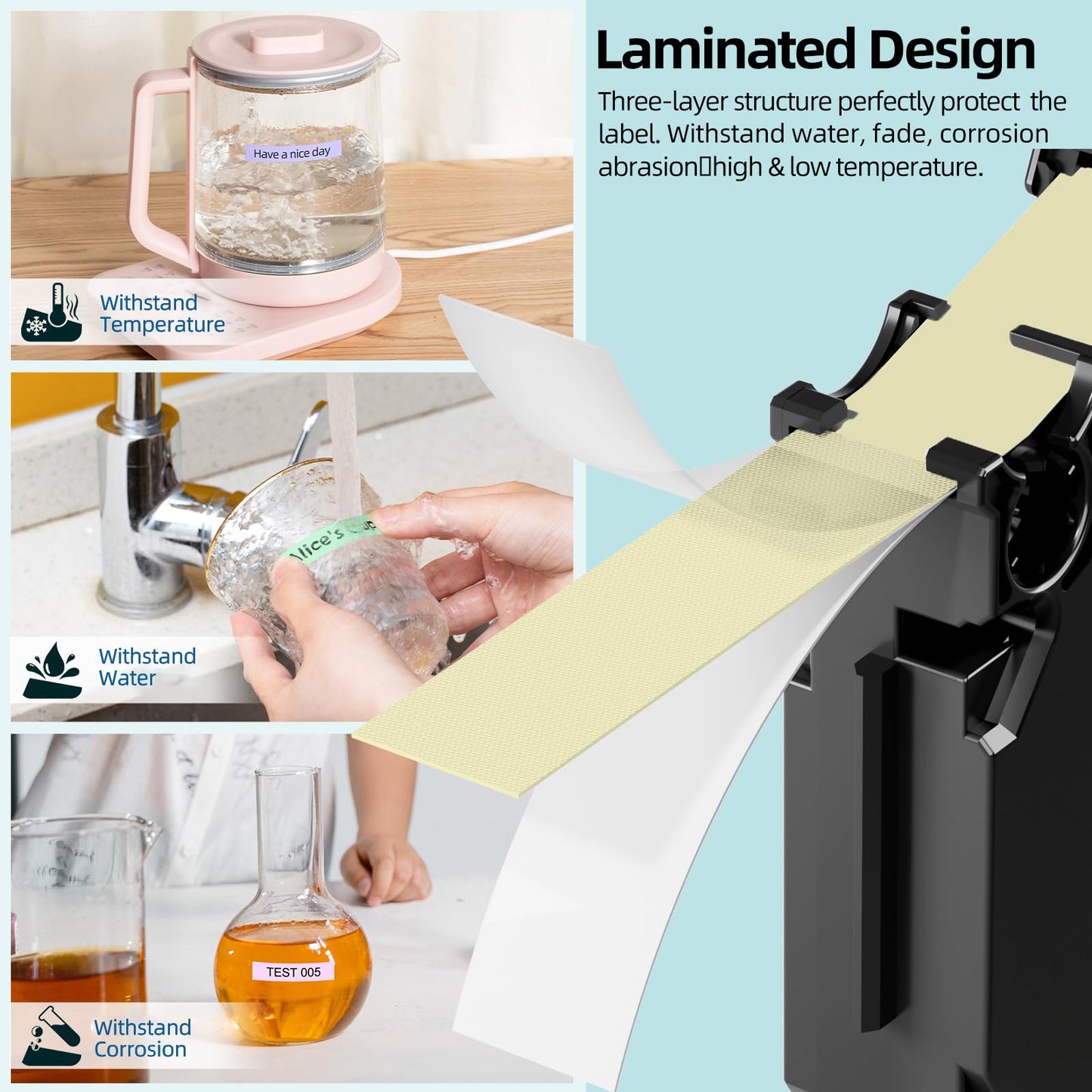
- [Durable Laminated Label Tape] Compatible with Brother TZe-231 12mm (0.47") Tape, featuring strong adhesive and durable laminated construction. Resistant to water, scratches, temperature changes, grease, and grime. Labels stay clear and secure without fading, peeling, or leaving sticky residue after removal.
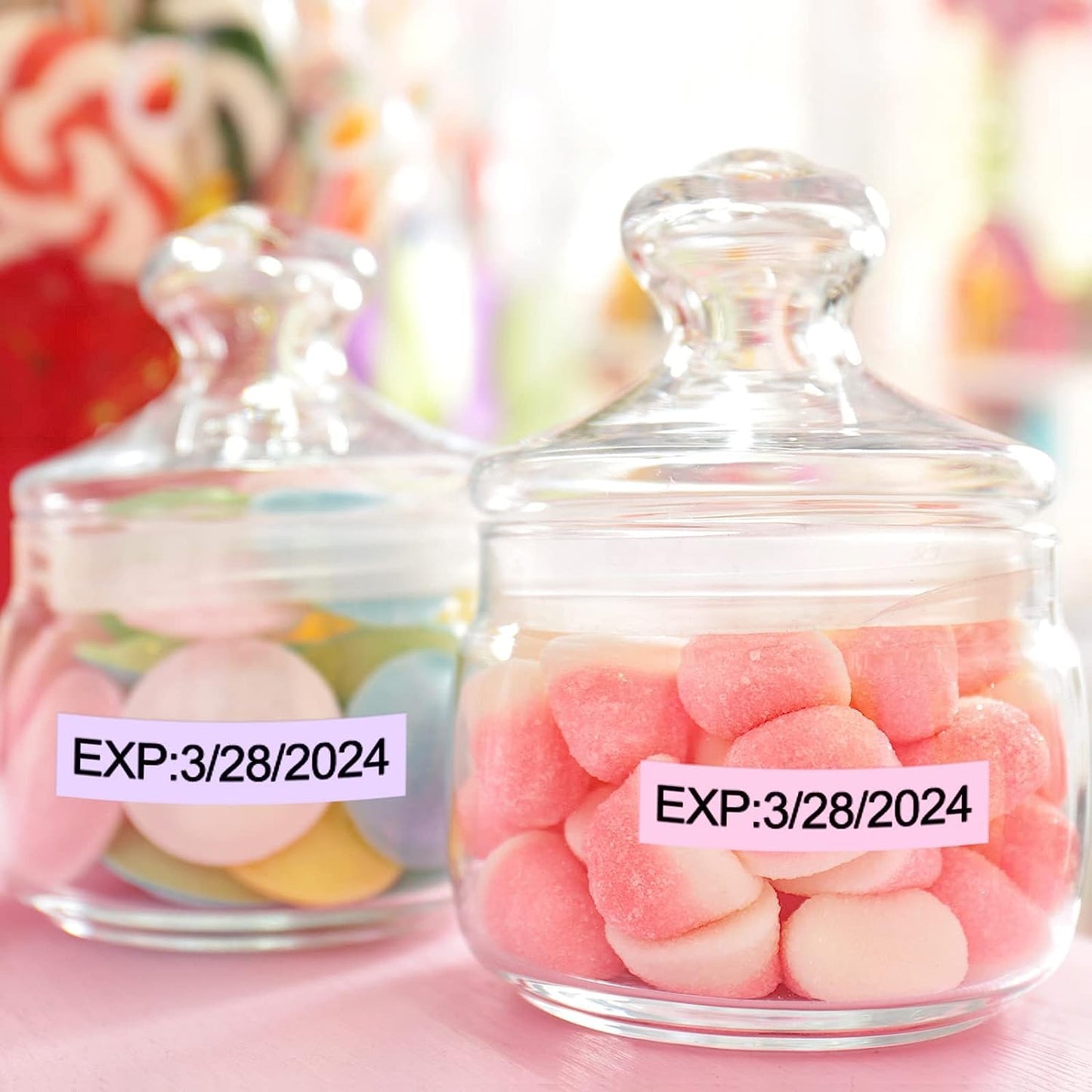
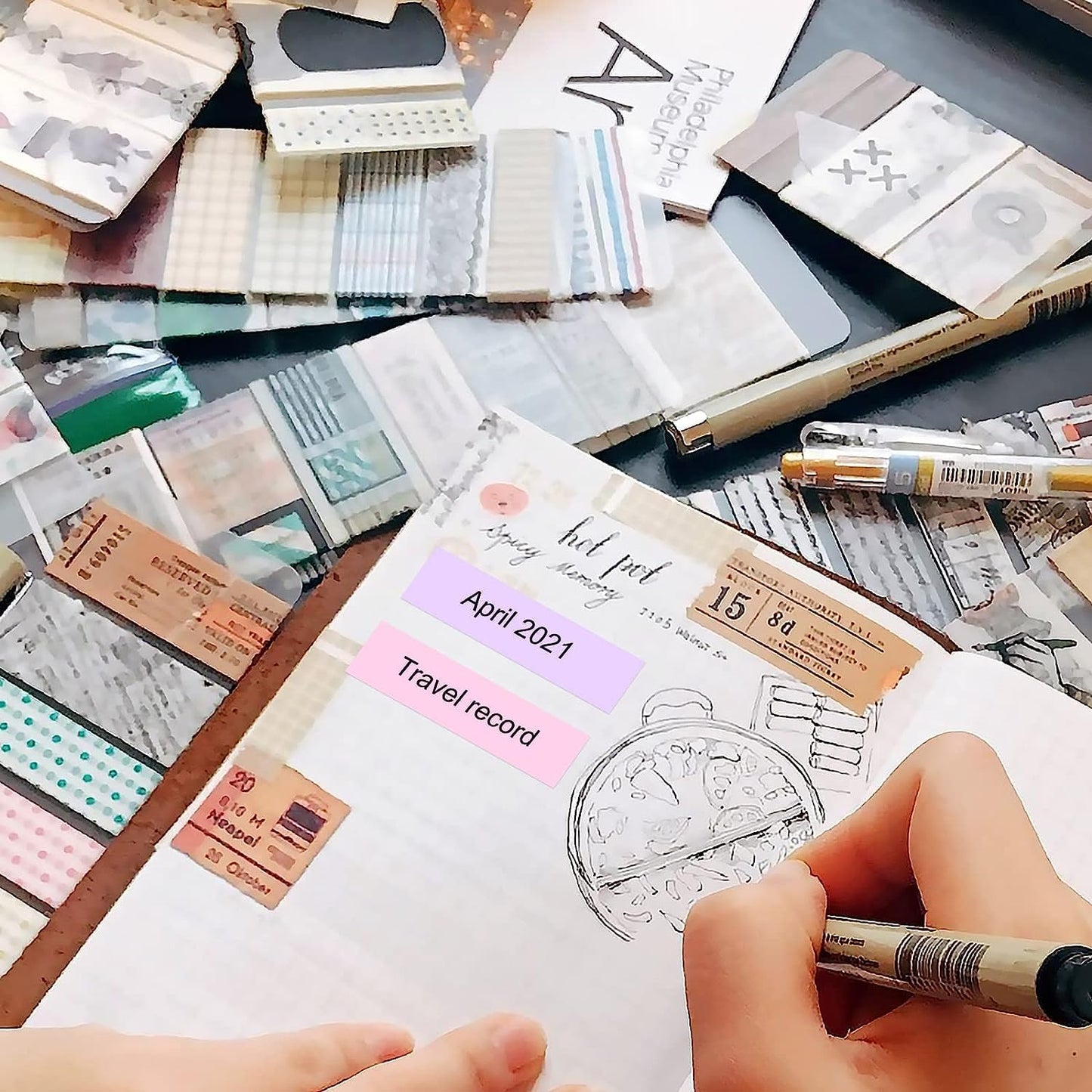
- [Wide Application] These Brother P-touch compatible label tape refills adhere to plastic, paper, metal, wood, and glass surfaces. Ideal for labeling office supplies, electronic accessories, tools, kitchen containers, garage storage, cabinets, files, crafts, gifts, and personal items for easy identification and organization.
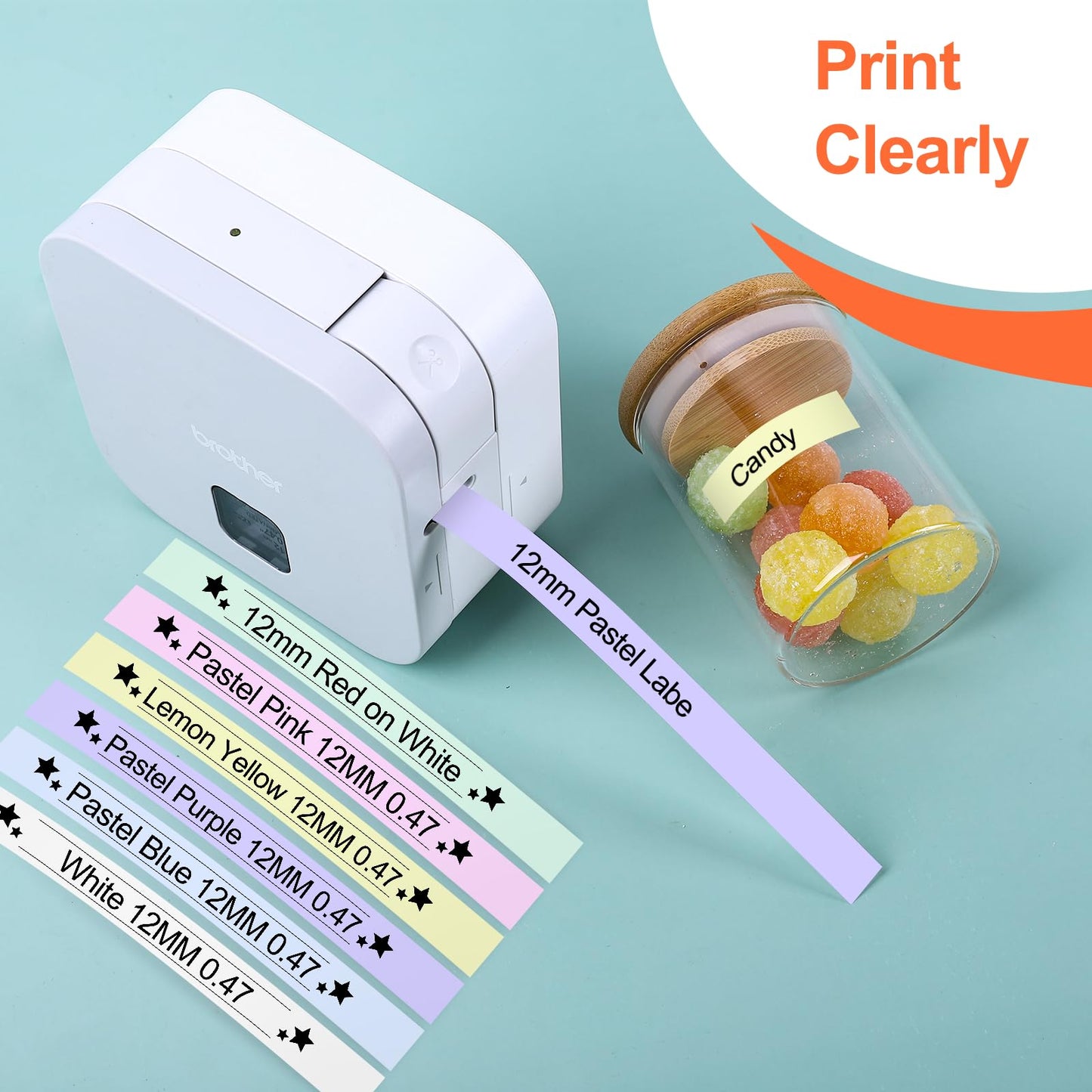
- [Clear Printing & Reliable Performance] COLORTY TZe-231 compatible label tape delivers sharp text and clean printing with consistent performance. Designed to prevent smudging, fading, peeling, and printing defects, helping reduce wasted labels and reprinting.
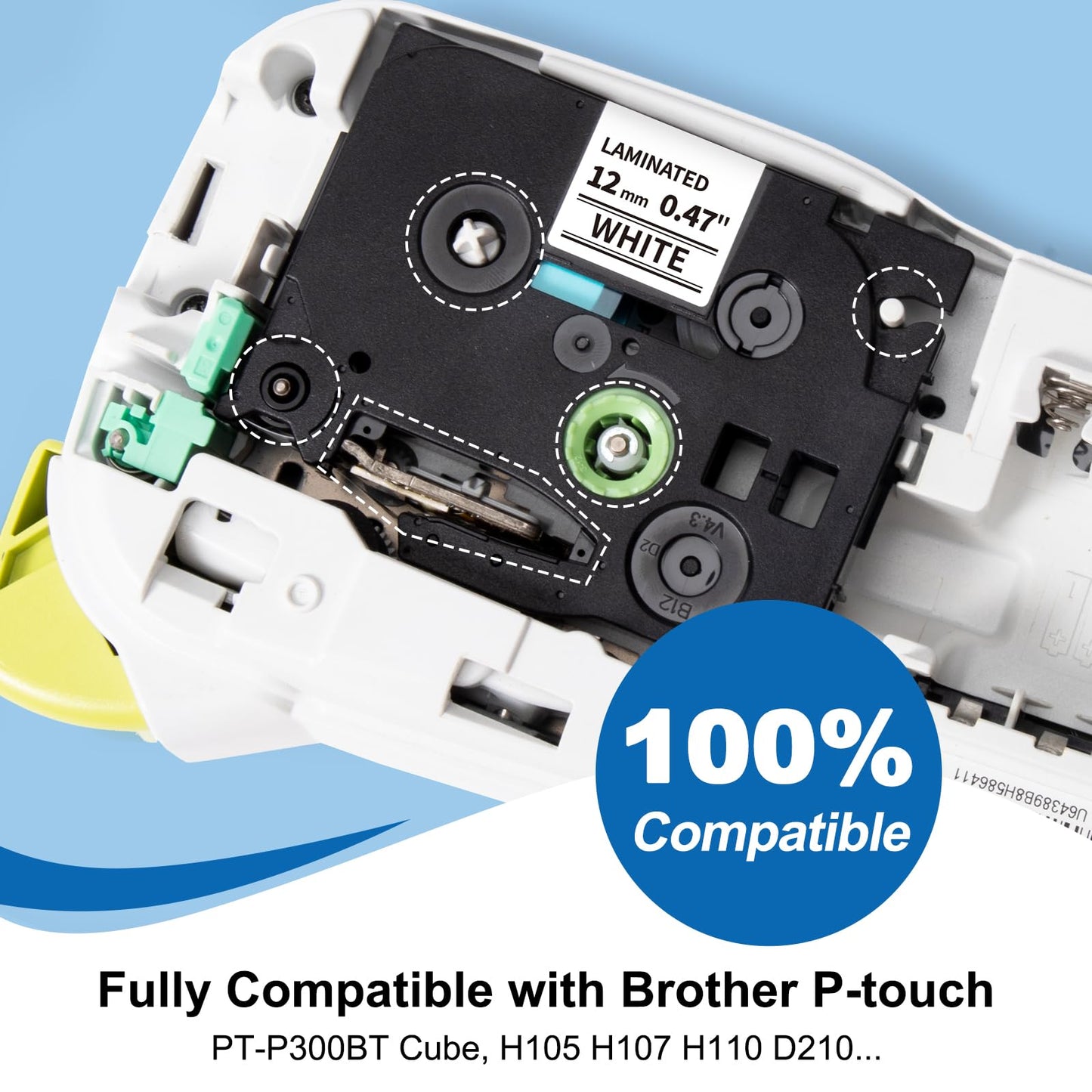
- [Compatible with Brother P touch Label Maker] Works with Brother PT-D200, PT-D210, PT-D220, PT-H100, PT-H110, P300BT Cube, PT-D400, PT-D450, PT-D600, PT-P700, PT-P750W, PT-H300, PT-H500LI, PT-2430PC and other Brother P-touch label printers.

添加移动端图片

添加移动端图片
Product Specifications
| Tape Models | TZe-231 / TZe-F31 / TZe-B531 / TZe-Y31 / TZe-PK31 / TZe-G31 Replacement |
|---|---|
| Tape Width | 12mm (0.47 inch / 1/2") |
| Tape Length | 8m (26.2 ft) per roll |
| Package Quantity | 6 Rolls (48m total) |
| Color Options |
Black on White (TZe-231) Black on Pastel Purple (TZe-F31) Black on Pastel Blue (TZe-B531) Black on Lemon Yellow (TZe-Y31) Black on Pastel Pink (TZe-PK31) Black on Mint Green (TZe-G31) |
| Material | Premium Laminated |
| Adhesive Type | Strong Permanent Adhesive, Split-Back Easy Peel |
| Removal | Clean Removal, No Sticky Residue |
| Print Technology | Thermal Transfer Printing |
| Durability | Water-Resistant, Scratch-Resistant, Temperature-Resistant, Grease-Resistant, Grime-Resistant, Fade-Resistant |
| Suitable For | Indoor Use |
| Compatible Brand | Brother |
|---|---|
| Compatible Series | Brother P-Touch / Brother PTouch / Brother P-Touch Label Makers |
| Compatible Tape Type | TZe Tape / TZ Tape / 12mm Laminated Tape Cartridges |
| Compatible Models | PT-D200, PT-D210, PT-D220, PT-H100, PT-H110, P300BT Cube, PT-D400, PT-D450, PT-D600, PT-P700, PT-P750W, PT-H300, PT-H500LI, PT-2430PC |
| Tape Width Compatibility | 12mm (0.47 inch) TZe/TZ Tape Cartridges |
| Not Compatible With | M-K Tape Series, PT-N (Btag) Label Makers, TC Labeling Tapes |
| Brand | Colorty |
|---|---|
| Product Type | Label Tape / Label Maker Tape Refill |
| Product Form | Compatible Label Tape Replacement |
| Label Color | Black Print on White / Pastel Purple / Pastel Blue / Lemon Yellow / Pastel Pink / Mint Green |
| Product Compatibility | Third-Party Compatible Replacement |
| Package Options | 6 Rolls (12mm x 8m / 0.47" x 26.2' per roll) |
| Application | Office Supplies, Electronic Accessories, Tools, Kitchen Containers, Garage Storage, Cabinets, Files, Crafts, Gifts, Personal Items |
| Surface Compatibility | Smooth Surfaces — Plastic, Paper, Metal, Wood, Glass |
| Recommended Environments | Homes, Offices, Schools, Workshops, Craft Spaces |
| Print Quality | Sharp Text and Clean Printing — No Smudging, Fading, or Peeling |
| Brand Note | Colorty compatible replacement, not an original Brother product |
Compatible Brother P-touch Label Maker Models
| Compatible Brother P-touch Series | Compatible Models |
|---|---|
| PT-D Series | PT-D200, PT-D200G, PT-D210, PT-D220, PT-D400, PT-D400AD, PT-D450, PT-D600, PT-D600VP, PT-D800W |
| PT-H Series | PT-H100, PT-H100P, PT-H100R, PT-H105, PT-H110, PT-H110BK, PT-H200, PT-H300, PT-H300LI, PT-H500LI |
| PT-P Series / P-touch Cube | PT-P700, PT-P750W, PT-P750WVP, PT-P900, PT-P900, PT-P900W, PT-P950NW, PT-CUBE, PT-CUBE Blue |
| PT-E Series | PT-E110 |
| PT-1000 / PT-1100 Series | PT-1000, PT-1000BM, PT-1010, PT-1010B, PT-1010NB, PT-1010R, PT-1010RDT, PT-1010S, PT-1090, PT-1090BK, PT-1100, PT-1100QL, PT-1100SB, PT-1100SBVP, PT-1100ST, PT-1120, PT-1130, PT-1160, PT-1170, PT-1170S, PT-1180, PT-1180SC, PT-1180SP |
| PT-1200 / PT-2000 Series | PT-1230PC, PT-1280SR, PT-1290, PT-1880, PT-1880C, PT-1880W, PT-1890C, PT-1890W, PT-2030AD, PT-2300, PT-2430PC, PT-2730, PT-2730VP |
| PT-9000 Series | PT-9600, PT-9700PC |
| GL Series | GL-100, GL-H100 |
| ST Series | ST-5, ST-1150, ST-1150DX |
| Warm Tips |
|