
-
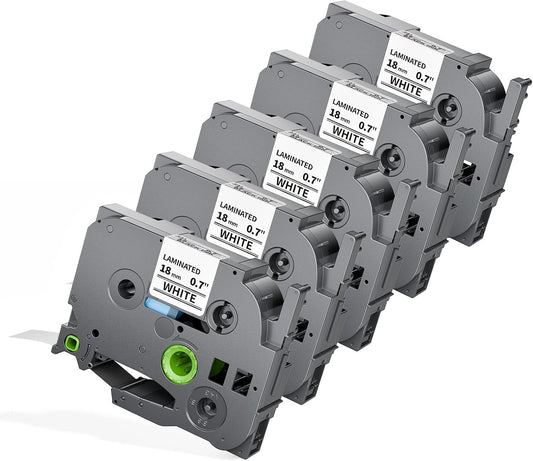
18mm Label Tape Replacement for Brother Label Maker Tape 18mm 0.7" P-Touch | TZe Laminated TZ Colored Tape Refills Compatible with P Touch PT-D410 D400 D600 1830 1750 Cube Plus, 3/4" x 26.2', 6 Pack
Regular price $32.16Regular priceUnit price per -
Colorty TZe Colored Label Tape 12mm (0.47") Replacement for Brother P-touch | Laminated Multi Color Tape Pack Compatible with PT-D210 PT-D220 PT-H110
Regular price $20.99Regular priceUnit price per -
Compatible Replacement for Brother TZe-231 12mm Black on White Label Tape, 4-10 Pack 1/2 Inch White Laminated Tape for P-touch PT-D210 D400 (TZ-231)
Regular price From $16.59Regular priceUnit price per -
Brother TZe-241 Label Tape 18mm (0.7") | Black on White Laminated Replacement Tape for P-touch Label Makers PT-D400,PT-D410,PT-D600,PT-P700 | Colorty
Regular price From $25.60Regular priceUnit price per -
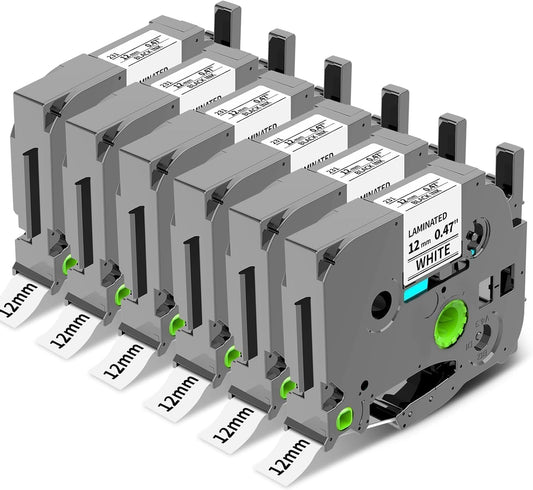
TZe-231 12mm 0.47 Label Tape Replacement for Brother P Touch Label Maker Tape TZe Laminated TZe-131 TZe-231 TZe-431 TZe-531 TZe-631 TZe-731 for PT-D210 PT-D200 PT-H100 H110 D400 P300BT, 6 Pack
Regular price $17.99Regular priceUnit price per -
Compatible Brother TZe/TZ 12mm Label Tape – P-touch Replacement
Regular price From $18.99Regular priceUnit price per -
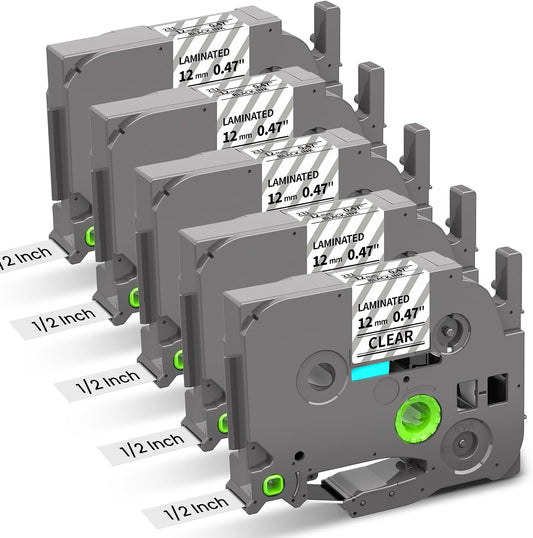
COLORTY Compatible Brother TZe-131 TZ-131 Label Tape 12mm (0.47") Black on Clear Laminated Replacement Tape for P-touch PT-D210 PT-D220 PT-H110 PT-D400 PT-P300BT Cube
Regular price From $18.49Regular priceUnit price per -
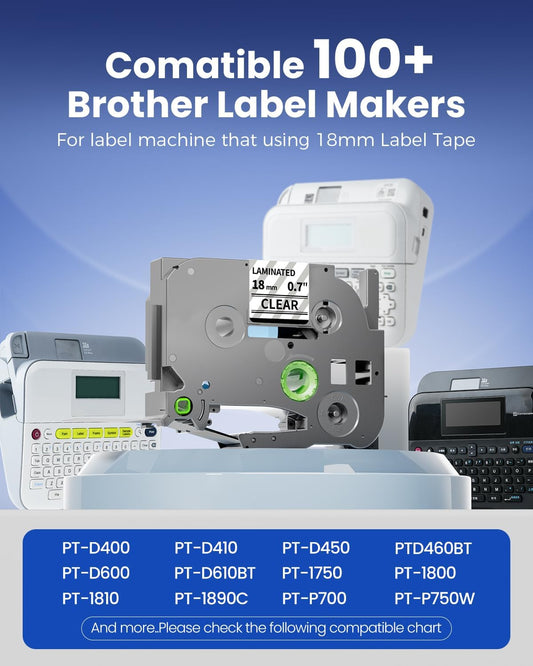
Replacement for Brother TZe-141 Label Tape 18mm (0.7") | Laminated Clear Tape with Black on Clear Printing for P-touch Label Makers PT-D400 PT-D410 PT-D600
Regular price $27.49Regular priceUnit price per -
TZe-221 9mm 0.35 Laminated White Tape Replace for Brother P-Touch | Label Tape 9 mm TZe TZ Black on White TZe221,TZ-221 for PT-D200,PT-D210,PT-D220,PT-D400 and PT-D600 Label Maker Refills 3/8 Inch, 6-Pack
Regular price $19.99Regular priceUnit price per -
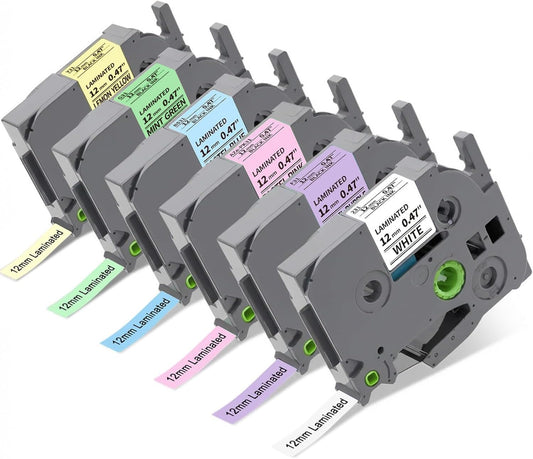
Compatible with Brother P Touch TZe-231 12mm 0.47 Color Label Maker Tape 6 Pack TZ 1/2" Label Tape Refill, Laminated TZe-131 231 431 531 631 731 for Ptouch PT-D210 PT-D200 PT-H100 H110 D400 P300BT
Regular price $20.59Regular priceUnit price per -
TZe-231 Compatible Label Tape for Brother P-touch PT-D210 D220 | Colorty
Regular price $19.99Regular priceUnit price per -
Compatible Brother TZe-231 Label Tape 12mm 5-Pack | Black on White Laminated P-touch Tape for PT-D210, H110, D400
Regular price $17.99Regular priceUnit price per -
Colorty Red Label Tape 18mm Compatible with Brother TZe-441 P Touch TZe TZ Tape 18mm 0.7 Laminated for PT-D400 PT-D410 D600 D610BT PT-P700BT Ptouch Label Maker Refills 3/4'', Black on Red
Regular price $14.79Regular priceUnit price per -
12mm Label Tape Replacement for Brother P-Touch Label Maker, Assorted Colors TZe Laminated Tape Refills Compatible with PT-D200 PT-D210 PT-D220 PT-H100 PT-H110 PT-1000 PT-1280 PT-D400 P300BT Cube, 1/2" x 26.2 ft, 6 Pack
Regular price From $18.99Regular priceUnit price per -
TZe-MQG35 Label Maker Tape Replacement for Brother P-Touch Label Tape | White on Lime Green TZe TZ 12mm 0.47" Laminated Matte for Ptouch PT-D210 D220 D200, 12 mm(1/2 Inch) x 8m(26.2ft), 3 Pack
Regular price $15.99Regular priceUnit price per -
Pink Label Maker Tape Replacement for Brother P-Touch Label Tape TZe-MQP35 | White on Berry Pink TZ 12mm 0.47 Laminated Matte for Ptouch PT-D210 D220 H100 H103w H110 D400 D600, 12mmx 8m 26.2ft, 3 Pack
Regular price $15.99Regular priceUnit price per -
Orange Label Tape Replacement for Brother P-Touch Label Maker Tape TZe-B31 | Black on Orange TZ 12mm 0.47 Laminated for Ptouch PT-D210 D220 D200 Refills, 12 mm(1/2 Inch) x 8m(26.2ft), 3 Pack
Regular price $15.99Regular priceUnit price per -
Replacement for Brother TZe-831 Label Tape 12mm Black on Gold | Compatible P-touch Laminated TZ Tape, 1/2" x 26.2 ft (8m), 3-Pack
Regular price $15.99Regular priceUnit price per -
Brother TZe-335 Compatible Label Tape 12mm White on Black – Laminated TZ Tape for P-Touch PT-D220, PT-P300BT, P700BT | Colorty
Regular price From $19.96Regular priceUnit price per -
Brother TZe-631 Compatible Label Tape 12mm (0.47") | Laminated Black on Yellow Tape Replacement for P-touch Label Makers PT-D210 D200 H110 D400
Regular price $18.49Regular priceUnit price per -
18mm Black on Yellow Tape Replace for Brother TZe-641 P-Touch Label | 18 mm 0.7 Laminated Tape TZe641 for Ptouch PTD400 PTD410 PT-E300 PT-E560BTVP Edge Label Maker Refills 3/4 Inch, 6 Pack
Regular price From $17.82Regular priceUnit price per -
Compatible Brother TZe-345 Label Tape 18mm (0.7") White on Black | Laminated Replacement Tape for P-touch Label Makers PT-D400, PT-D610BT, PT-E300, PT-E560BTVP | Colorty
Regular price $27.49Regular priceUnit price per -
TZ TZe 12mm 0.47 PT-D210 Color Tape Replacement for Brother P-Touch Label Maker Tape TZe White on Color Ribbon Compatible with Brother Ptouch PT-D200 D210 D220 PT-H100 H110 D400 Cube, 5 Pack
Regular price $18.99Regular priceUnit price per -
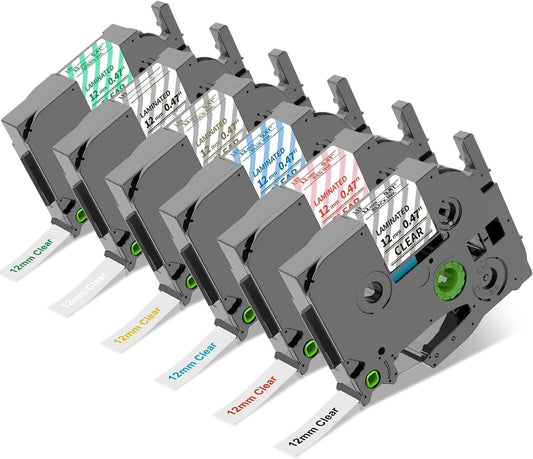
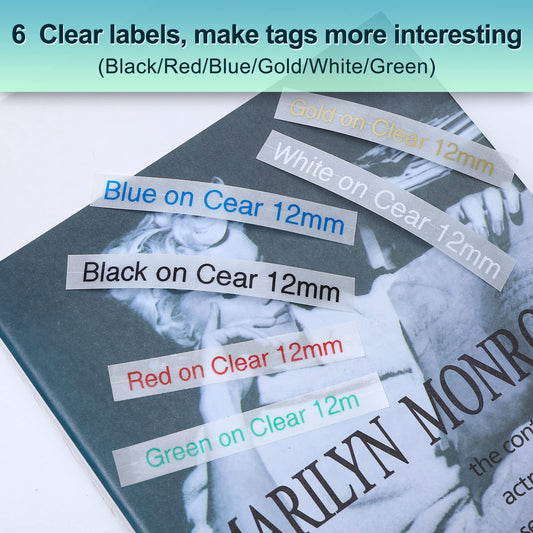
Colorty Compatible TZe 12mm Clear Label Tape, 6-Color Pack, Laminated P-touch Tape for Brother PT-D210, PT-D220, H110, 1000, 1280, D400 & Cube
Regular price $23.32Regular priceUnit price per



























❓ Frequently Asked Questions
What tape is compatible with the Brother PT-D400?
The Brother PT-D400 is compatible with Brother TZe label tapes. It supports TZe tape widths of 3.5mm, 6mm, 9mm, 12mm, and 18mm.
What is the maximum tape width for Brother PT-D400?
The maximum tape width for the Brother PT-D400 is 18mm (0.7 inch). This is the widest TZe label tape supported by the machine.
Does Colorty sell original Brother TZe tape for the PT-D400?
No. Colorty sells compatible replacement label tapes designed for use with the Brother PT-D400. Our tapes are third-party alternatives and are not original Brother-branded TZe cartridges.
Can I use Colorty compatible TZe tape in a Brother PT-D400?
Yes. Colorty's compatible TZe-format tapes are designed for use with the Brother PT-D400. They are replacement tapes rather than original Brother consumables.
Can I use 18mm compatible tape with the PT-D400?
Yes. 18mm is the maximum tape width supported by the PT-D400, making it a useful option when you need wider and more visible labels. Colorty's 18mm products are compatible replacement tapes, not original Brother products.
Where can I buy compatible Brother PT-D400 label tape?
Colorty offers compatible replacement label tape for the Brother PT-D400, including selected TZe-format widths and color combinations. These products are third-party alternatives to original Brother consumables.
How many lines can the Brother PT-D400 print on one label?
The Brother PT-D400 can print up to 5 lines of text on a single label when using 18mm TZe-format tape. The number of printable lines varies depending on the tape width and selected font or formatting. Wider tape such as 18mm provides more space for multi-line labels.
Can I print multiple lines on Colorty Tze 18mm label tape with the Brother PT-D400?
Yes. The Brother PT-D400 can print multiple lines on Colorty Tze 18mm compatible label tape. The 18mm width provides a larger printing area and supports up to 5 lines of text, depending on the selected font, formatting, and print settings.
How can I change the font size on a Brother P-touch label maker when using compatible TZe tape?
The exact steps depend on your Brother P-touch model. On many P-touch label makers, press the Font key, select Size, and use the arrow keys to choose the desired font size. Models such as the PT-D200, PT-D210, and PT-D220 provide font-size settings through the Font menu.When printing on Colorty compatible TZe label tape, the available font size and final print appearance can also depend on the tape width, number of characters, and number of lines. For larger text or multiple lines, choosing a wider TZe tape can provide more printable space.
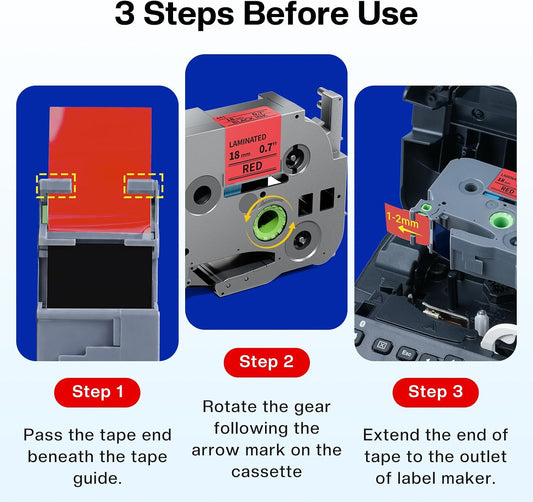
How do I install and trim compatible Brother TZe tape for neat labels?
To install compatible TZe tape, turn off your Brother P-touch label maker, open the tape cassette compartment, and insert the cassette according to the guide inside the machine. Make sure the tape and ribbon are properly aligned before closing the cover. After installation, turn the label maker on and perform a short test print.To reduce excess tape, check your P-touch model's margin settings and select a narrower margin when available. For printing multiple labels, Chain Print can also help reduce the amount of blank tape between labels. The exact menu options vary by Brother P-touch model.
Colorty compatible TZe tapes are third-party replacement tapes designed for compatible Brother P-touch label makers. They are not manufactured, sponsored, or endorsed by Brother.