


KP-108IN Compatible Ink & Paper Set for Canon SELPHY CP1500 & CP1300, 108 Prints
KP-108IN Compatible Ink & Paper Set for Canon SELPHY CP1500 & CP1300, 108 Prints
Couldn't load pickup availability
 Secure Checkout
- 60-Day Returns
- Free Shipping 2–6 business days

Shipping & Returns
Shipping & Returns
Free Standard Shipping
Enjoy free standard shipping on eligible U.S. orders.
Estimated Delivery
Most orders are delivered within 3-6 business days.
30-Day Returns
Eligible products can be returned within 30 days of delivery. Please see our Return Policy for details.
Support & After-Sales
Support & After-Sales
Customer Support
Our support team is available to assist with product questions, order issues, and compatibility inquiries.
After-Sales Support
If you experience an issue with your order or product, contact us with your order information and we'll help you resolve it.
Easy Communication
Contact us through our website or email for assistance.
KP-108IN Compatible Ink & Paper for Canon SELPHY CP1500
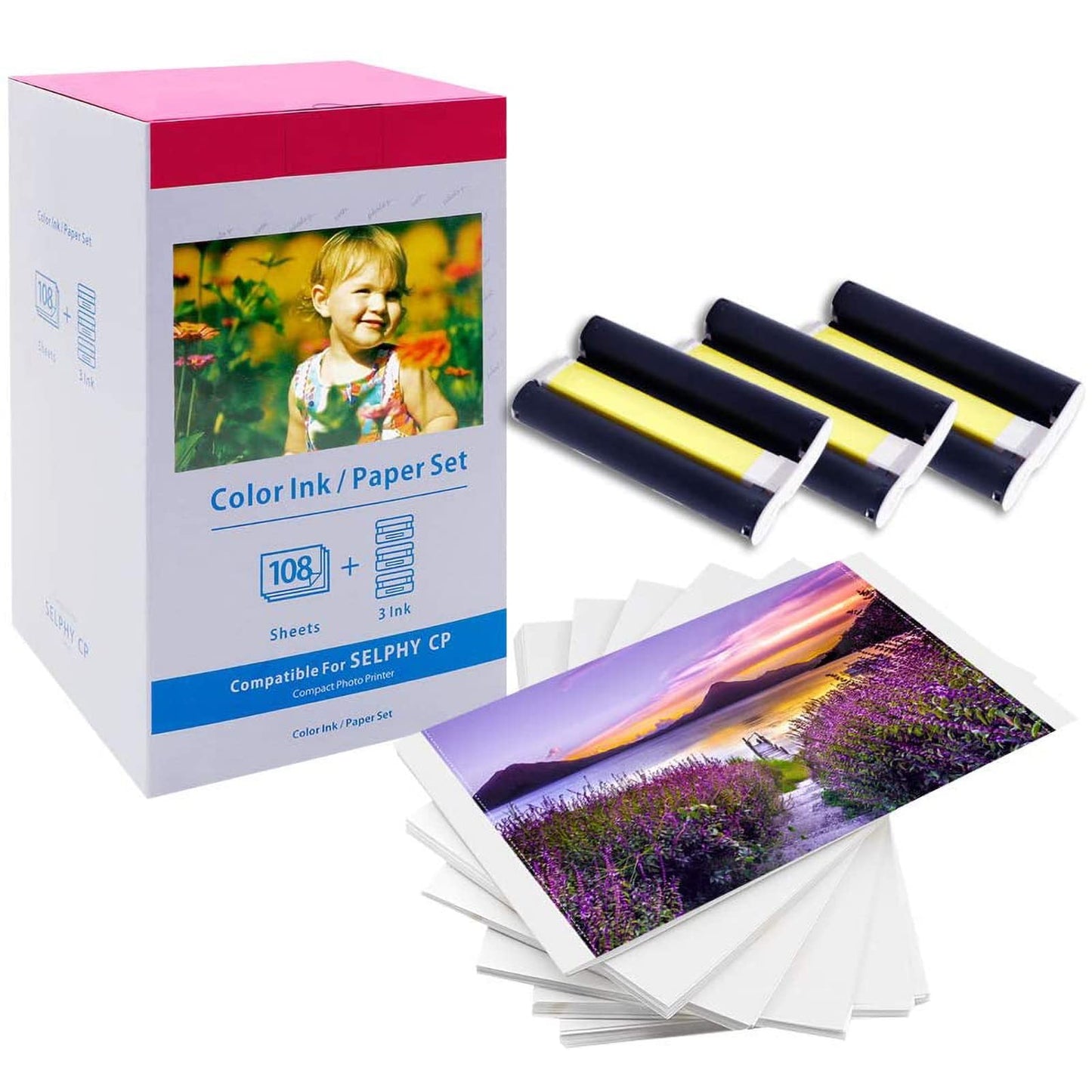
Looking for a compatible replacement for KP-108IN ink and paper? This Colorty compatible ink and paper set is designed for Canon SELPHY CP1500, CP1300 and other compatible SELPHY CP series photo printers.
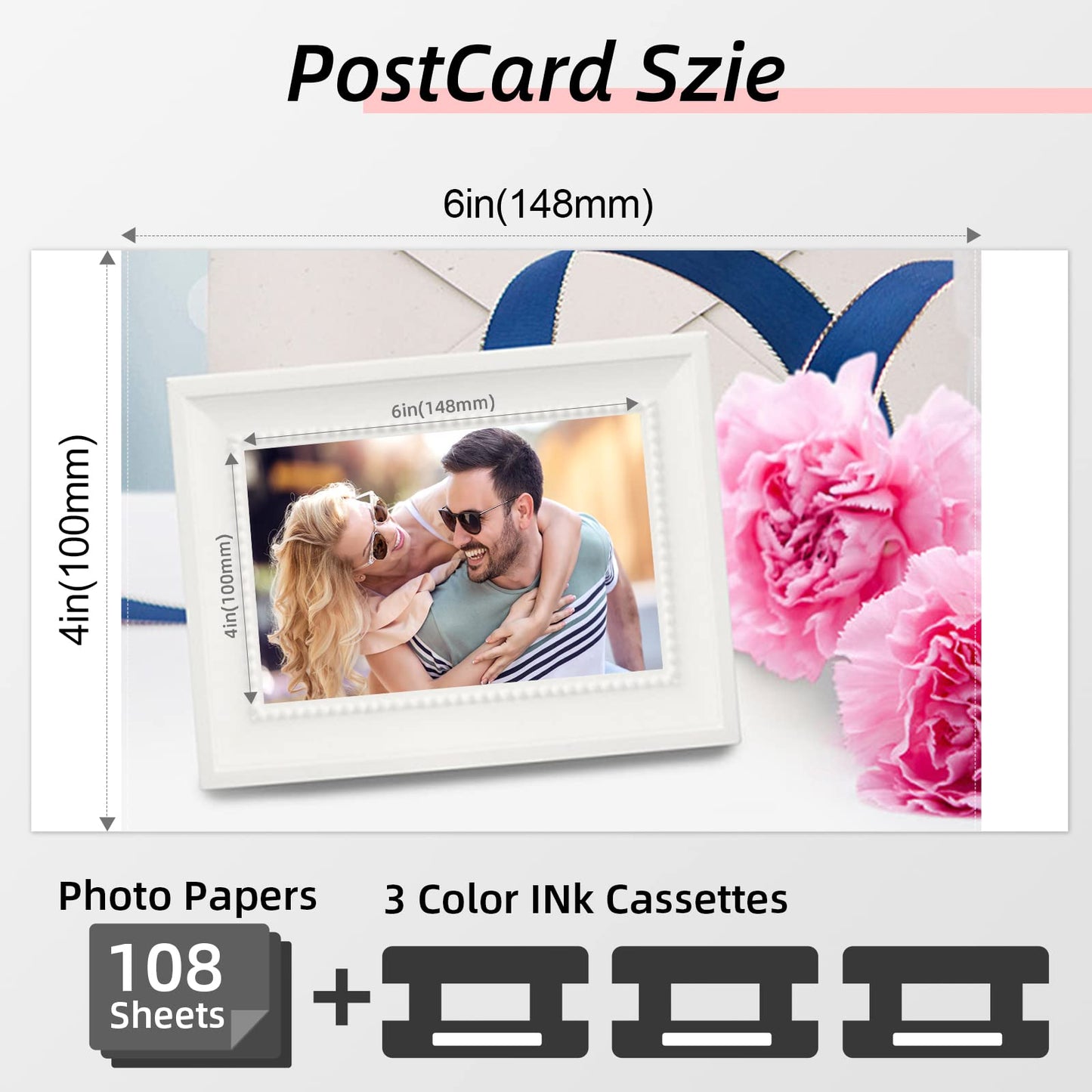
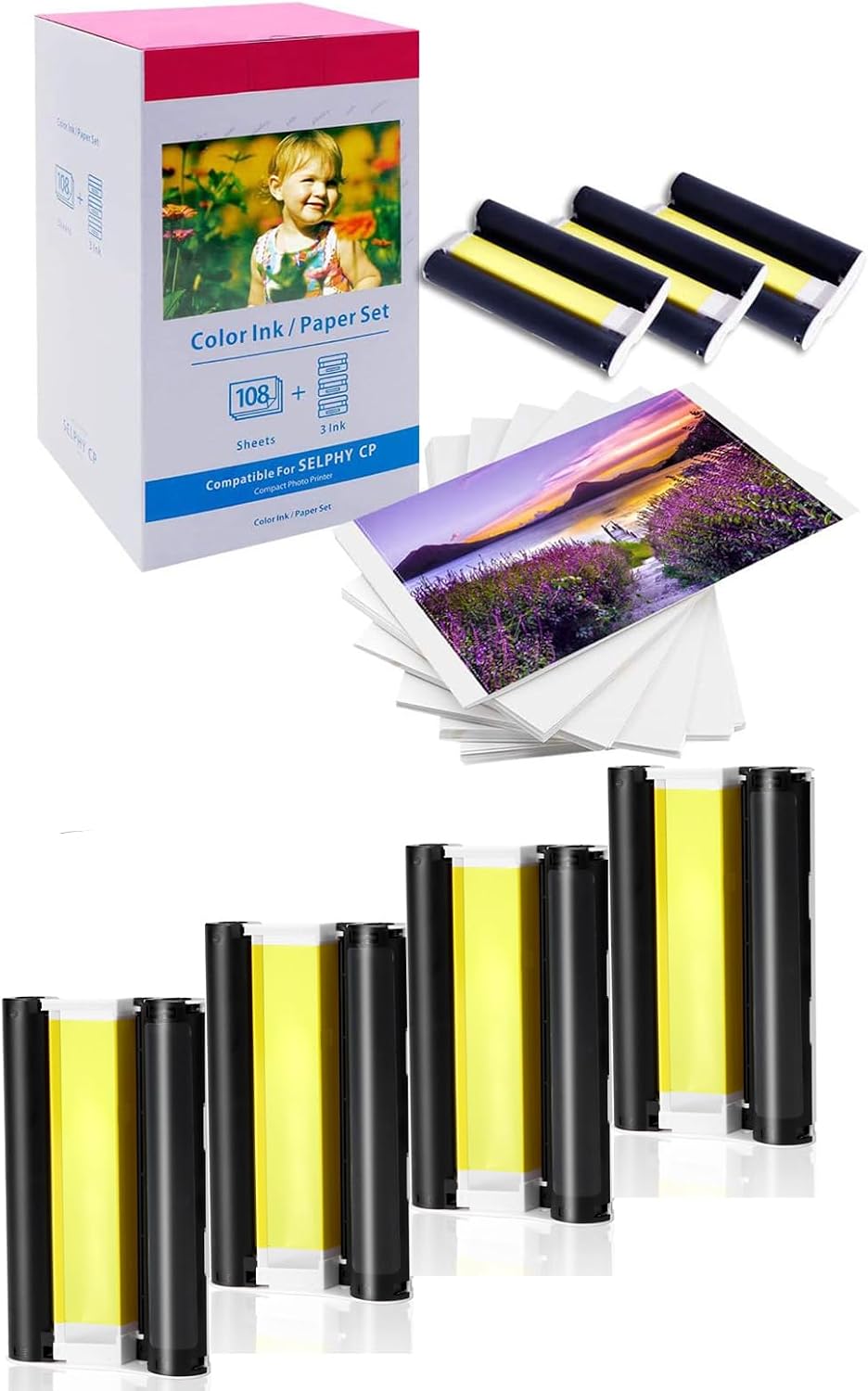
Each standard set includes 108 sheets of 4" × 6" glossy photo paper and 1 compatible color ink cassette, providing everything needed for up to 108 prints. It is a compatible replacement option for customers who need an alternative to the original KP-108IN set.
Vibrant Colors & Long-Lasting Photo Quality
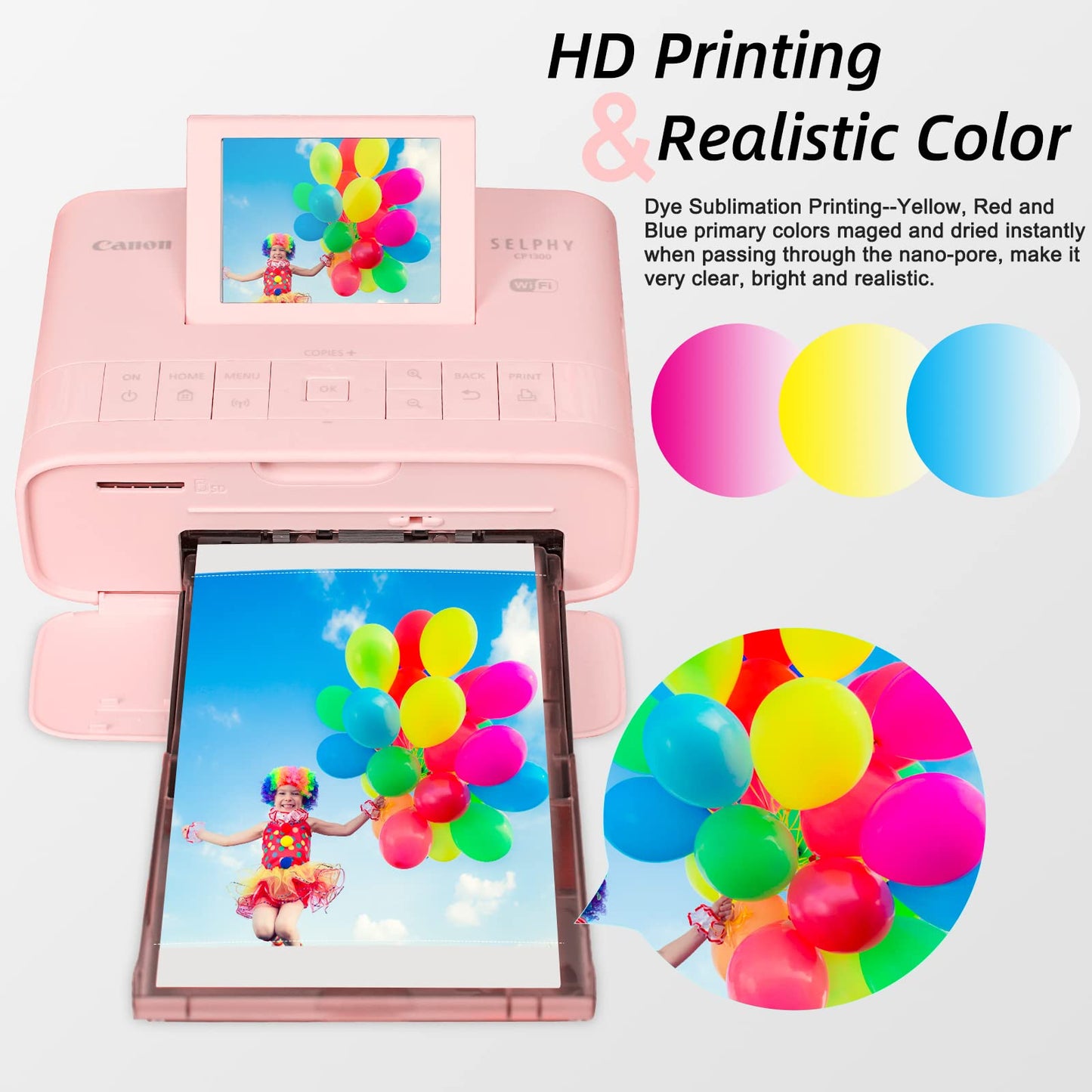
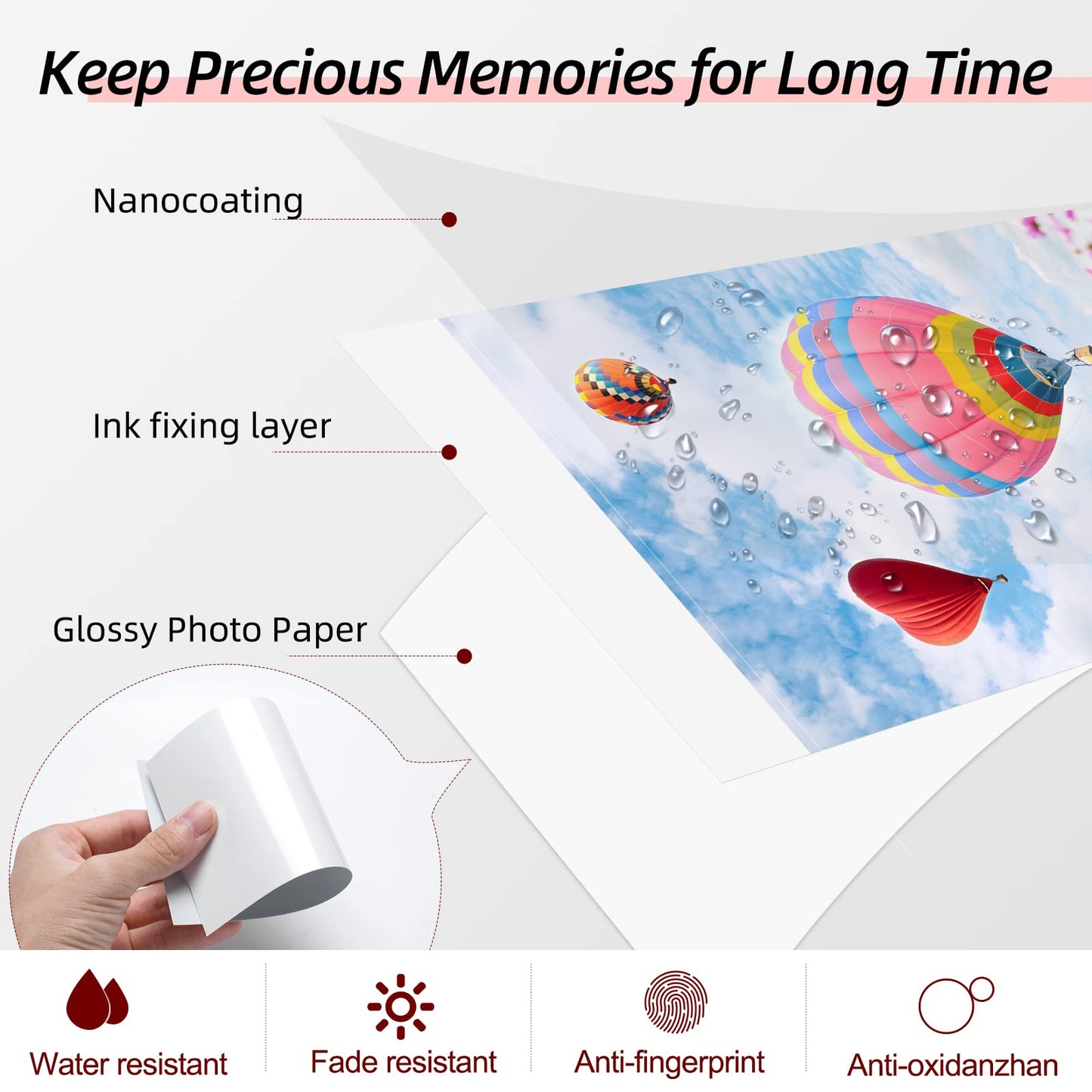
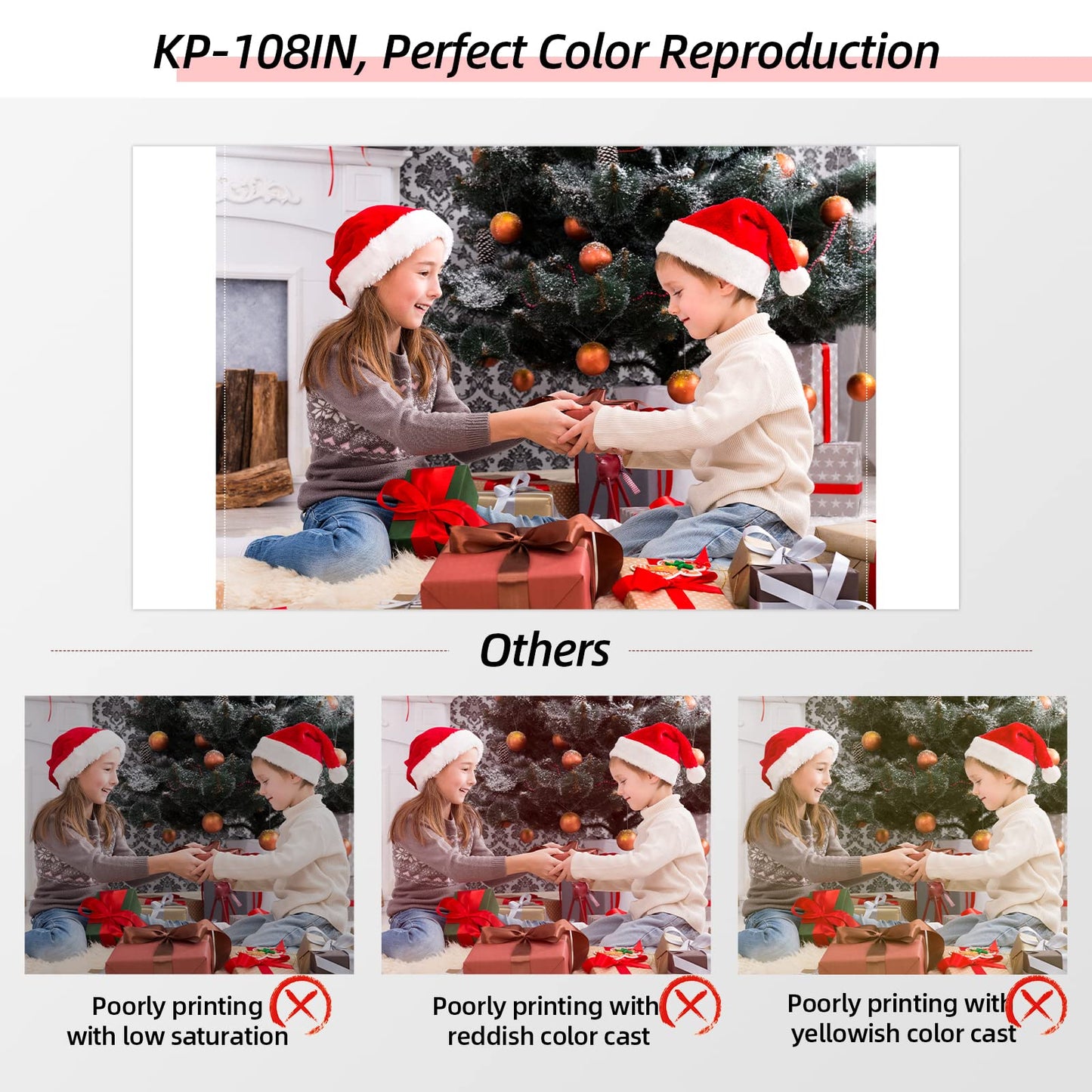
Using advanced dye sublimation printing technology, this compatible Canon SELPHY paper and ink set produces rich colors, smooth gradients, and sharp image details. The printed photos feature a protective coating layer that helps resist water, fingerprints, scratches, fading, and daily wear, keeping your favorite memories clear and vibrant for years.
Compatible with Canon SELPHY CP Series Printers
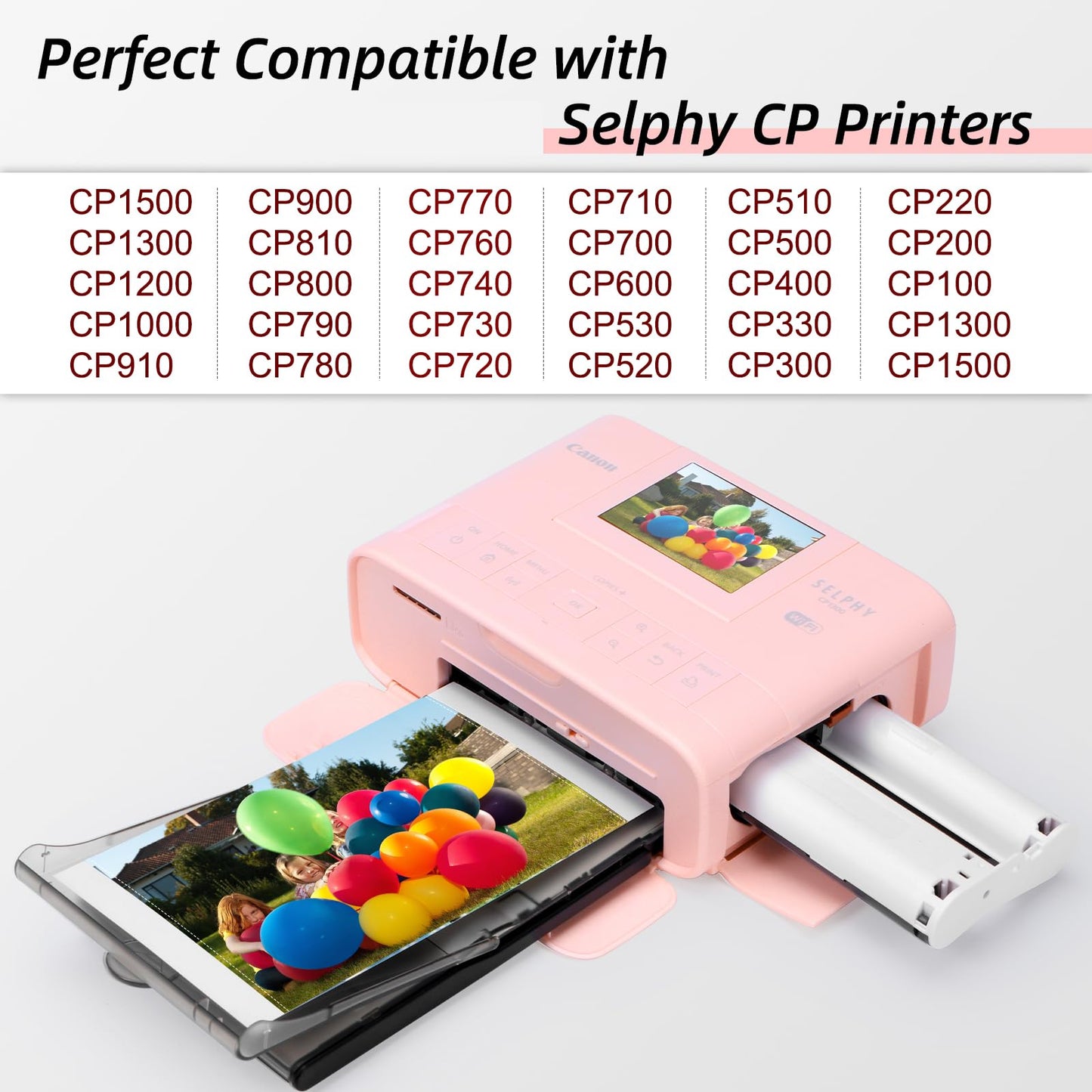
Designed as photo paper for Canon SELPHY CP1300, CP1500, CP1200, CP1000, CP910, CP900, CP820, CP810, CP800, CP790, CP780, CP770, CP760, CP740, CP730, CP710, CP600, CP510, CP400, CP330, CP300, CP220, CP200, CP100
Note: Not compatible with Canon SELPHY Square QX10 printers.
Perfect for Everyday Photo Printing
Create beautiful 4" x 6" photos for travel memories, family photos, ID pictures, events, school projects, and office use. Enjoy easy and reliable photo printing directly from your Canon SELPHY printer.
Printing Tips
- Make sure your printer is a compatible Canon SELPHY CP series model before use.
- Use the correct combination: KP-108IN ink cassette + 4" x 6" photo paper + P-size paper tray.
- Avoid touching the glossy printing surface to prevent fingerprints and print quality issues.
- Install the ink cassette after turning on the printer and remove it after use to help reduce unnecessary ribbon waste.
- Each photo sheet is designed for single-use printing.



Canon SELPHY CP Series Compatibility
This compatible KP-108IN ink and paper set is designed for Canon SELPHY CP Series photo printers, including the popular CP1500 and CP1300. Check your printer model below before ordering.
| Compatible Printer Series | Compatible Canon SELPHY Models |
|---|---|
| Canon SELPHY CP Series | CP1500, CP1300, CP1200, CP1000, CP910, CP900, CP820, CP810, CP800, CP790, CP780, CP770, CP760, CP740, CP730, CP710, CP600, CP510, CP400, CP330, CP300, CP220, CP200, CP100 |
| Most Popular Models | CP1500, CP1300, CP1200, and CP1000 are among the commonly searched Canon SELPHY CP Series models. |
Product Specifications
| Product Type | Compatible Ink & Paper Set / Photo Paper Bundle |
|---|---|
| Compatible Ink Cassette | Compatible with Canon KP-108IN / KP-108 |
| Photo Paper Size | 4″ × 6″ (100 × 148 mm) Glossy Photo Paper |
| Photo Paper Quantity | 108 Sheets |
| Ink Type | Dye-Sublimation Color Ink |
| Printing Technology | Dye Sublimation |
| Ink Color | Full-Color |
| Print Capacity | Up to 108 Photos per Set with the included ink cassette |
| Paper Finish | Glossy |
| Photo Surface | Water-Resistant, Fingerprint-Resistant, Scratch-Resistant, Fade-Resistant |
| Compatible Brand | Canon |
|---|---|
| Compatible Series | Canon SELPHY CP Series |
| Key Compatible Models | CP1500, CP1300, CP1200, CP1000 |
| Additional Compatible Models | CP910, CP900, CP820, CP810, CP800, CP790, CP780, CP770, CP760, CP740, CP730, CP710, CP600, CP510, CP400, CP330, CP300, CP220, CP200, CP100 |
| Paper Tray Requirement | P-Size Paper Tray |
| Compatible Use | Dye-Sublimation Photo Printing |
| Not Compatible With | Canon SELPHY Square QX10 and other non-CP Series printers |
| Standard Set | 1 Ink Cassette + 108 Sheets |
|---|---|
| 3-Cassette Set | 3 Ink Cassettes + 108 Sheets |
| 5-Cassette Set | 5 Ink Cassettes + 108 Sheets |
| Brand | Colorty |
|---|---|
| Product Form | Compatible Ink Cassette & Photo Paper Set |
| Product Compatibility | Third-Party Compatible Replacement |
| Recommended Use | Travel Memories, Family Photos, ID Pictures, Events, School Projects, Office Use |
| Photo Quality | Rich Colors, Smooth Gradients, Sharp Image Details |
| Printing Tips |
Use the compatible ink cassette with 4″ × 6″ photo paper
and a P-size paper tray. Avoid touching the glossy printing surface. Install the ink cassette according to your printer's instructions. Each photo sheet is intended for single-use printing. |
| Brand Note | Colorty compatible replacement, not an original Canon product. |
❓ Frequently Asked Questions
Is this Colorty KP-108IN ink and paper set compatible with Canon SELPHY CP1500?
Yes. This Colorty compatible KP-108IN ink and paper set is designed as a replacement for Canon SELPHY CP1500 photo printers. It includes both color ink and 4x6 photo paper, providing a complete printing solution for everyday photo printing.
How many photos can I print with this KP-108IN compatible set?
Each set includes 108 sheets of 4" × 6" photo paper and a compatible color ink cassette, providing supplies for up to 108 prints under normal printing conditions.
Does this product include both ink and photo paper?
Yes. Unlike a replacement ink cassette only, this product is a complete KP-108IN ink and paper set that includes:
- Color dye-sublimation ink cassette
- 4x6 inch (100 × 148 mm) photo paper
You can start printing immediately without purchasing ink and paper separately.
Is this an original Canon KP-108IN product?
No. This is a Colorty compatible replacement KP-108IN ink and paper set, not an original Canon product. It is designed to work with compatible Canon SELPHY photo printers while providing an affordable alternative for photo printing supplies.
Can I use this KP-108IN replacement with Canon SELPHY CP1500 and CP1300 paper trays?
Yes. This compatible ink and paper set is designed to work with Canon SELPHY CP1500 and CP1300 photo printers using their standard 4x6 inch photo paper trays.
Does this KP-108IN compatible set use dye-sublimation printing technology?
Yes. This replacement ink and paper set uses dye-sublimation printing technology to help produce smooth color gradients, sharp details, and durable photo prints with a protective coating.
How do I install the KP-108IN ink and paper set?
Installation is simple:
- Insert the compatible 4x6 photo paper into the paper tray.
- Install the KP-108IN compatible ink cassette into the printer.
- Follow your Canon SELPHY printer instructions to begin printing.
Avoid touching the printing surface of the paper or ink ribbon to maintain print quality.
What is the difference between KP-108IN and RP-108?
KP-108IN and RP-108 are different ink and paper set configurations for compatible Canon SELPHY photo printers. Before choosing a set, check your printer model, paper size, and the ink-and-paper combination required by your printer.