Brother PT-P700 Labels & Compatible TZe P-touch Tapes
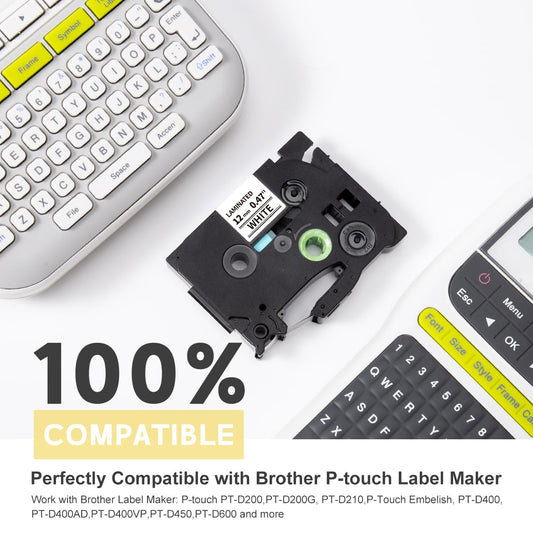
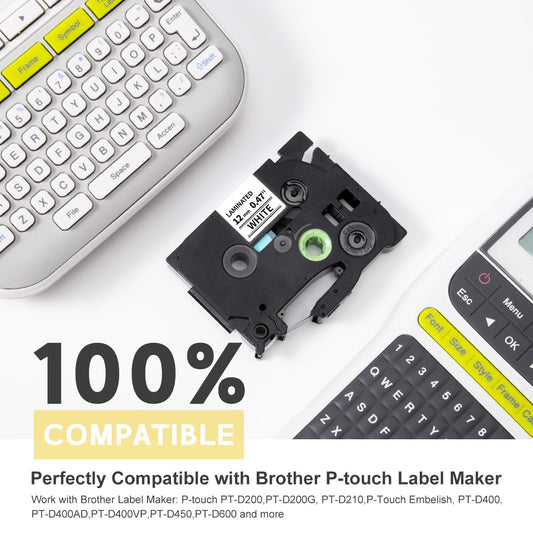
Looking for compatible labels for your Brother PT-P700? Colorty offers compatible TZe label tapes in a range of widths and colors for everyday labeling needs. Colorty offers compatible Brother TZe label tapes designed for the PT-P700 and other compatible Brother P-touch label makers.
The Brother PT-P700 is a PC- and Mac-connectable desktop label printer designed for users who want to create professional labels from a computer. It connects through USB and can print labels up to 24mm (approximately 1 inch) wide. The printer is compatible with the Brother TZe tape family, making TZe tapes a practical choice for office organization, asset identification, cable labeling, file folders, storage bins, equipment, and other indoor or outdoor labeling applications.
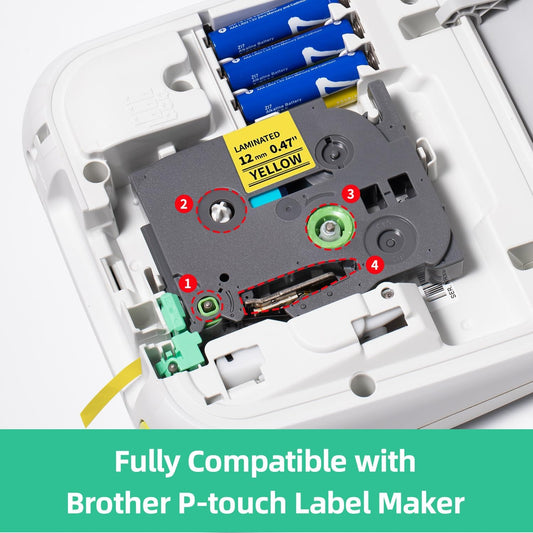
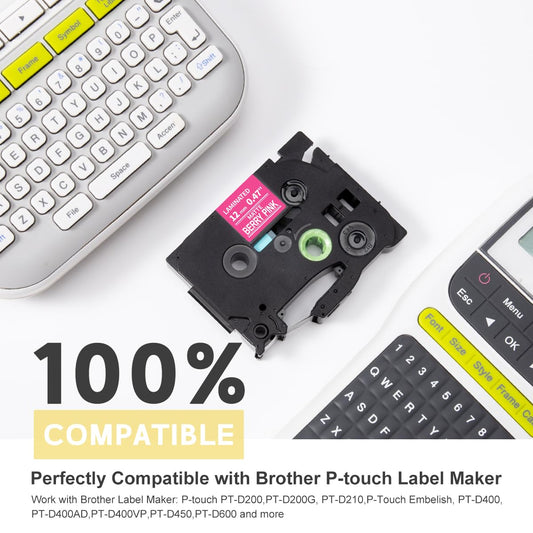
Colorty's compatible TZe tapes provide a cost-effective alternative for PT-P700 users who need replacement label cartridges for regular labeling work. These are compatible third-party tapes, not original Brother OEM products.
Which Labels Fit the Brother PT-P700?
The Brother PT-P700 is designed to work with the TZe tape family. The printer supports TZe tapes in several widths, giving you flexibility for different labeling jobs.
-
24mm (approximately 1") – useful for large text, equipment identification, folders, storage labels and wider information labels.
-
18mm (approximately 3/4") – suitable for general office, home, organization and equipment labeling.
-
12mm (approximately 1/2") – a popular all-purpose size for everyday labels, cables, folders, bins and containers.
-
9mm (approximately 3/8") – useful when a narrower label is preferred for smaller objects and compact spaces.
Important: Colorty currently offers compatible TZe tapes in selected 9mm, 12mm, 18mm and 24mm sizes for the PT-P700. We do not currently offer 6mm or 3.5mm tapes. Please check the available tape width and tape code before ordering.
Popular PT-P700 Label Tape Options
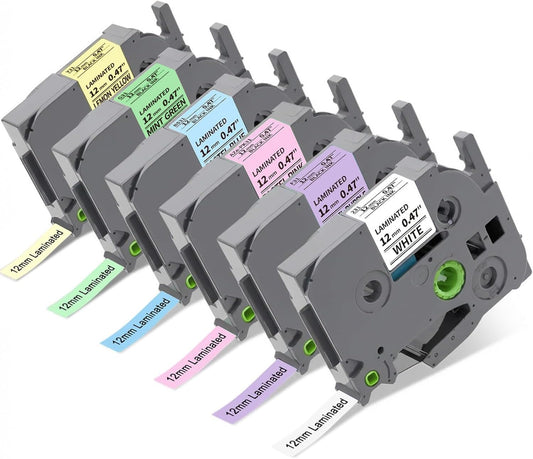
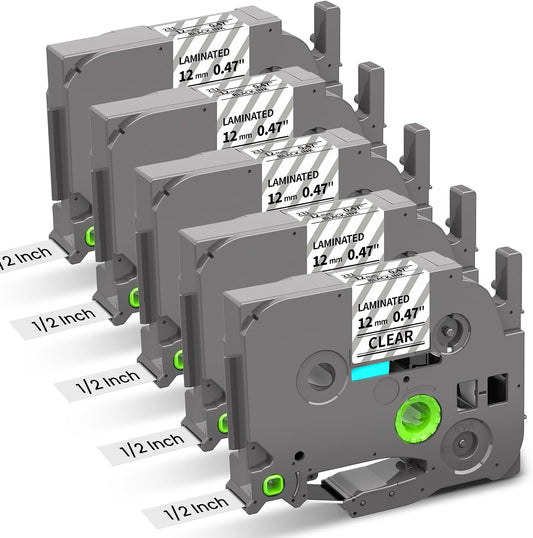
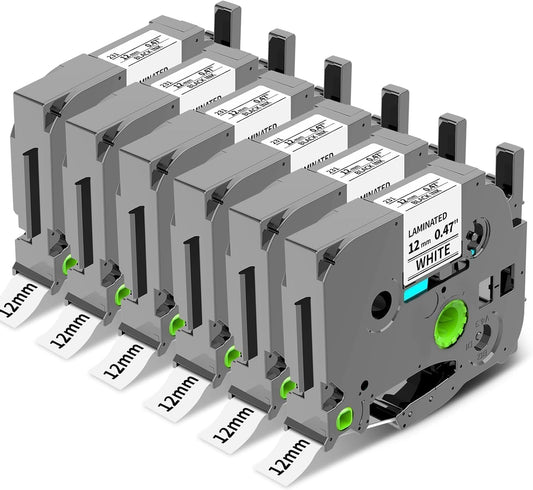
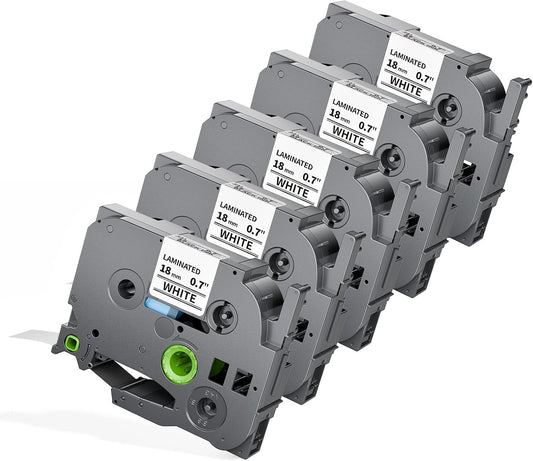
For everyday PT-P700 labeling, 12mm TZe-compatible tapes are one of the most versatile choices. For example, TZe-231 compatible tape provides black text on a white label and is suitable for general office, home and organization applications.
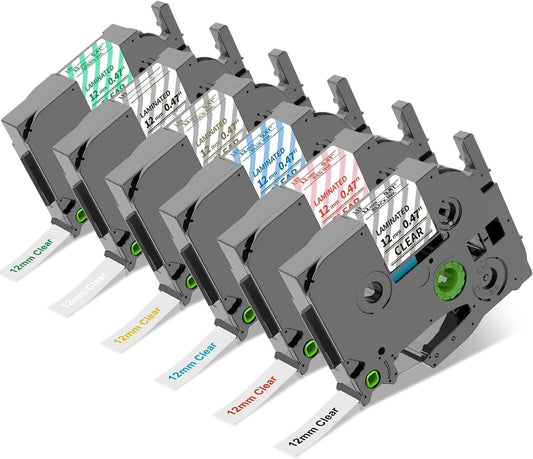
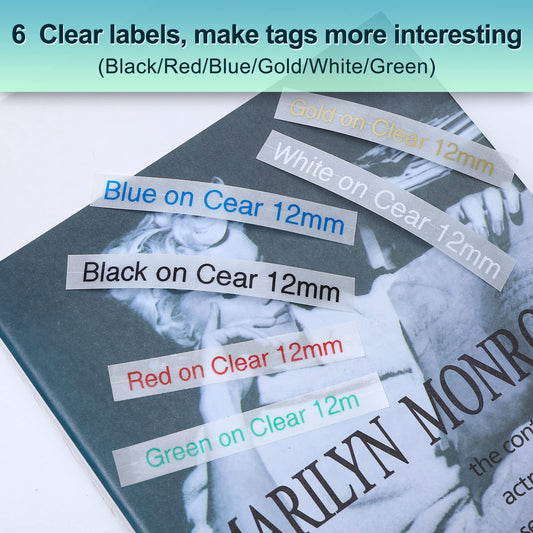
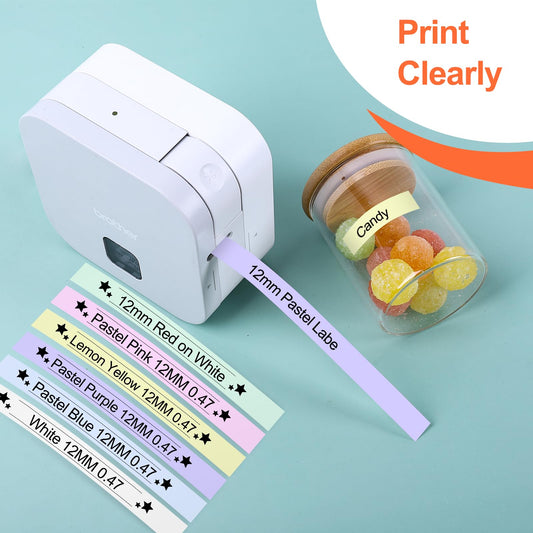
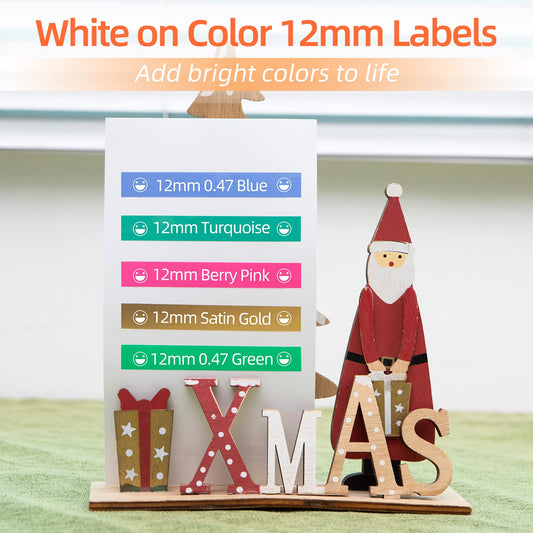
Depending on your labeling needs, you can also choose different text and background colors, including clear, white, black, yellow and other available combinations. Wider 18mm and 24mm tapes are useful when you need larger text or more information on a single label.
Browse the available PT-P700 compatible labels below to find the tape width and color combination that fits your project.
Why Choose TZe-Compatible Labels for the PT-P700?
The PT-P700 is more than a basic handheld label maker. Because it connects directly to a computer, it is particularly useful when you need to create multiple labels, longer text, formatted labels or labels containing graphics.
-
Computer-connected printing: Connect the PT-P700 to a Windows PC or Mac through USB and create labels using your computer keyboard.
-
Up to 24mm label width: The PT-P700 can print wide labels suitable for equipment identification, storage, office organization and other applications.
-
Multi-line labels: Create labels with multiple lines of text instead of being limited to a small handheld keyboard.
-
Fast label production: The printer provides fast print speeds and automatic cutting, which can be useful when producing multiple labels.
-
Professional formatting: Computer-based printing makes it easier to use different fonts, symbols, graphics, alignment options and formatting.
-
Barcode and database printing: When using the full P-touch Editor software, the PT-P700 can support more advanced labeling tasks such as barcodes and database-based label printing.
PT-P700 Labels for Office, Business and Everyday Organization
The Brother PT-P700 is particularly useful when you need more than a few simple handwritten-style labels. Its computer connection and wide TZe tape compatibility make it suitable for repeated labeling tasks in offices, workplaces and home organization.
-
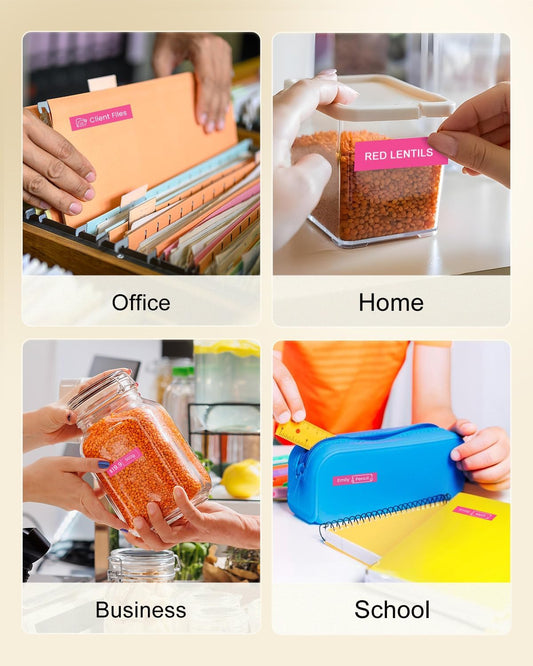
Office organization: Label file folders, binders, drawers, cabinets and storage boxes.
-
IT and equipment: Identify computers, monitors, printers, networking equipment and other office assets.
-
Cable management: Create identification labels for power cords, USB cables, network cables and other wires.
-
Warehouse and storage: Label bins, shelves, containers and inventory locations.
-
Home organization: Organize kitchen containers, storage boxes, drawers and personal belongings.
-
School and institutional use: Create consistent labels for classrooms, equipment, supplies, folders and shared storage.
-
Small business: Produce repeatable labels for equipment, inventory, workstations and internal organization.
Brother PT-P700 Software and Driver Information
One of the notable features of the Brother P-touch PT-P700 is its simple computer connection. Brother states that the PT-P700 includes built-in P-touch Editor Lite software, allowing users to connect the printer to a computer through USB and begin creating labels without a traditional software or driver installation process.
For users who need more advanced features, the full P-touch Editor software provides additional label-design functionality. Depending on the operating system and setup, users may search for terms such as PT-P700 driver, Brother PT-P700 driver, PTP700 driver, P-touch software or P-touch Editor when setting up the printer.
For software and driver downloads, always refer to Brother's official support resources for the current software version compatible with your computer.
Brother PT-P700 vs. Handheld P-touch Label Makers
The PT-P700 has a different design philosophy from many handheld P-touch label makers. It does not have a built-in keyboard. Instead, it is designed to connect to a computer, allowing you to type and format labels using a full-size keyboard.
This makes the PT-P700 especially useful for users who regularly create multiple labels or need more control over text formatting. If you already work primarily from a computer, the USB-connected design can make label creation more efficient.
PT-P700 Compatible Tape Width Guide
| Tape Width |
Common Uses |
| 9mm |
Small objects, cables, compact labels and narrow spaces |
| 12mm |
General-purpose office, home, storage, cable and organization labels |
| 18mm |
Folders, equipment, storage, identification and larger text |
| 24mm |
Wide equipment labels, large text, asset identification and information-rich labels |
Colorty availability: 9mm, 12mm, 18mm and 24mm compatible options are available in selected tape codes. 6mm and 3.5mm products are not currently offered by Colorty.
Frequently Asked Questions About Brother PT-P700 Labels
What labels does the Brother PT-P700 use?
The Brother PT-P700 uses the Brother TZe tape family. Compatible TZe tapes are available in different widths and color combinations for different labeling applications.
Can I use compatible TZe tapes in the Brother PT-P700?
Yes. Colorty offers compatible third-party TZe tapes designed for compatible Brother P-touch label makers, including the PT-P700. Colorty tapes are replacement products and are not original Brother OEM tapes.
What size labels can the Brother PT-P700 print?
The PT-P700 supports label tapes up to 24mm wide. Colorty currently offers selected compatible tapes in 9mm, 12mm, 18mm and 24mm widths for this model.
Does Colorty sell 6mm or 3.5mm labels for the PT-P700?
No. Although the PT-P700 is commonly described as supporting additional narrow tape widths, Colorty does not currently offer 6mm or 3.5mm products. Please choose from the available 9mm, 12mm, 18mm or 24mm compatible options.
Is TZe-231 compatible with the Brother PT-P700?
Yes. TZe-231 is a 12mm black-on-white TZe tape format commonly used with compatible Brother P-touch label makers, including the PT-P700. Check the specific product listing for compatibility details before purchasing.
Can the Brother PT-P700 print labels from a computer?
Yes. The PT-P700 is a PC-connectable label printer designed for Windows and Mac computers. It connects through USB and allows users to create labels using a computer keyboard.
Does the PT-P700 need a driver?
The PT-P700 includes built-in P-touch Editor Lite functionality, so Brother designed it to allow basic label creation without a traditional software or driver installation. For advanced functions, users can install and use the full P-touch Editor software provided by Brother.
Can the PT-P700 print barcodes?
Yes. The PT-P700 supports barcode-related functionality when used with the appropriate P-touch Editor software and computer setup.
Is the Brother PT-P700 good for printing multiple labels?
The PT-P700 is well suited to repeated label printing because it offers computer-based label creation, fast print speeds and automatic cutting. These features can be useful for offices, inventory organization, asset identification and other jobs that require multiple labels.
Are Colorty PT-P700 tapes original Brother tapes?
No. Colorty PT-P700 tapes are compatible third-party replacement tapes. They are designed to provide a compatible alternative to Brother TZe tapes and are not manufactured or branded as original Brother OEM products.
Find the Right PT-P700 Labels
Whether you need Brother PT-P700 labels, PTP700 tape, PT-P700 compatible TZe tape, or replacement P-touch labels, start by choosing the tape width that matches your labeling task.
For everyday labeling, 12mm TZe-compatible tape is a versatile option. Choose 18mm or 24mm when you need larger labels or more room for text, and 9mm when a narrower label is more appropriate.
Explore Colorty's available compatible TZe labels for the Brother PT-P700 and choose the size and color combination that fits your needs.